53
TOOL Mode︱
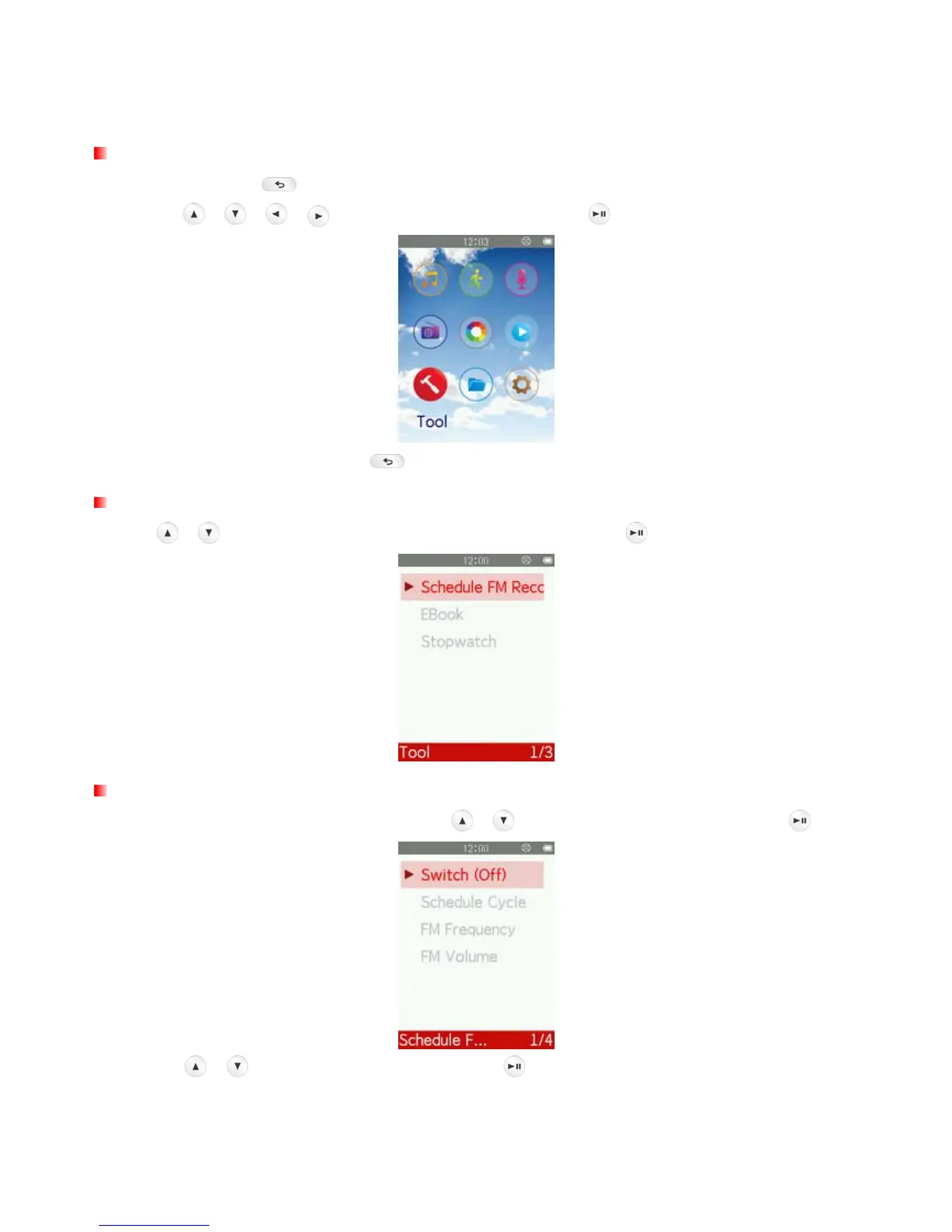
Tool Menu
1. Press and hold the
button to enter the Main Menu.
2. Use the
/ / / buttons to select “Tool” and press .
3. To exit the TOOL menu, press the
button.
Schedule FM Recording
Use the
/ buttons to select “Schedule FM Recording” and press .
Switch
1. In the Schedule FM Recording menu, use the
/ buttons to select “Switch” and press .
2. Use the
/ buttons to select “On” and press , or select “Off” to return to the menu without
turning on Schedule FM Recording.



 To Next Page