68
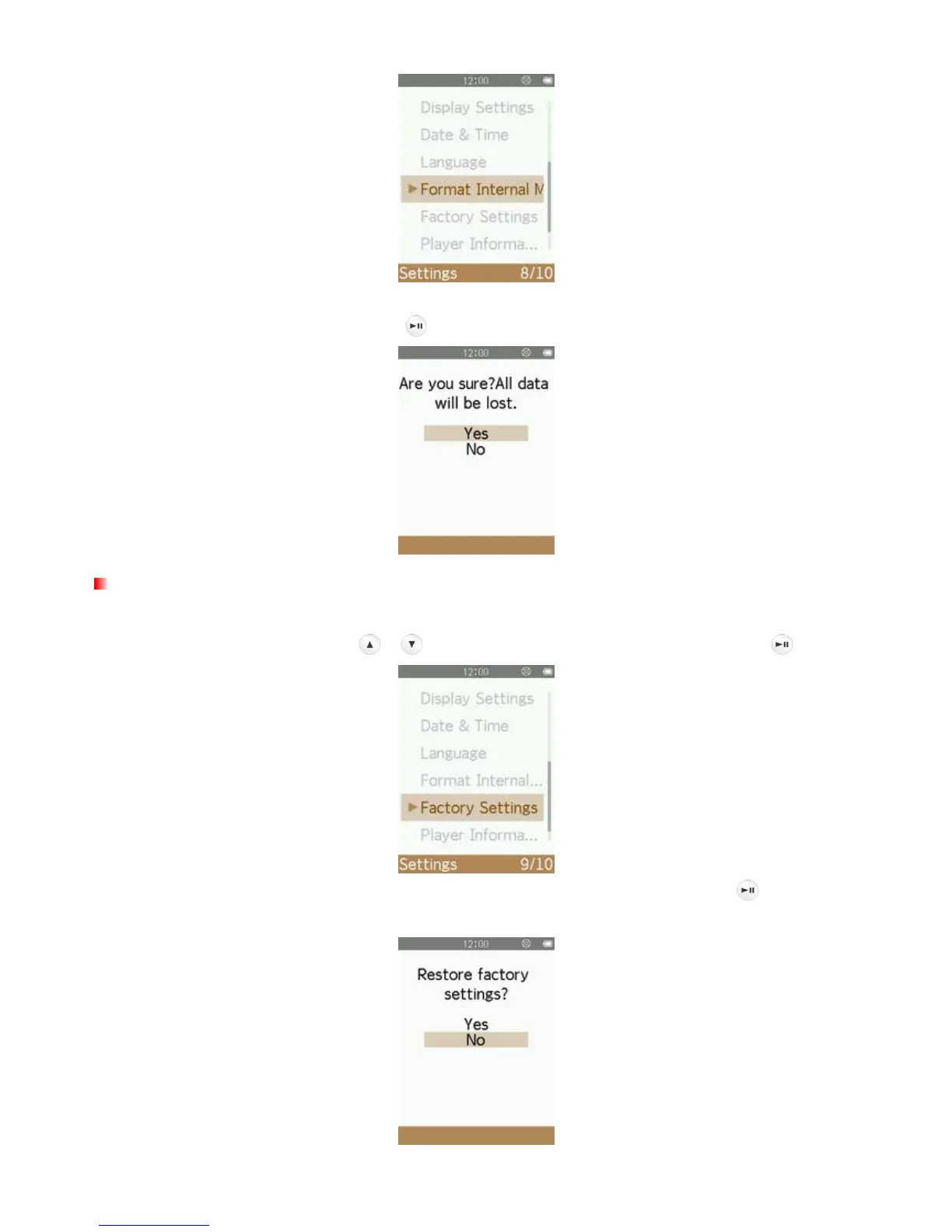
2. A confirmation screen will appear. Select “Yes” again only if you are sure you want to erase all files stored in
the player’s internal memory and press
, or select “No” to return to the SETTINGS menu.
Factory Settings
This option will return all settings to their default values.
1. In the SETTINGS menu, use the
/ buttons to select “Factory Settings” and press .
2. A confirmation screen will appear. Select “Yes” to return to default settings and press , or select “No”to
return to the SETTINGS menu.



 To Next Page