30
2. Use /
to select your measurement setting and press
.
History
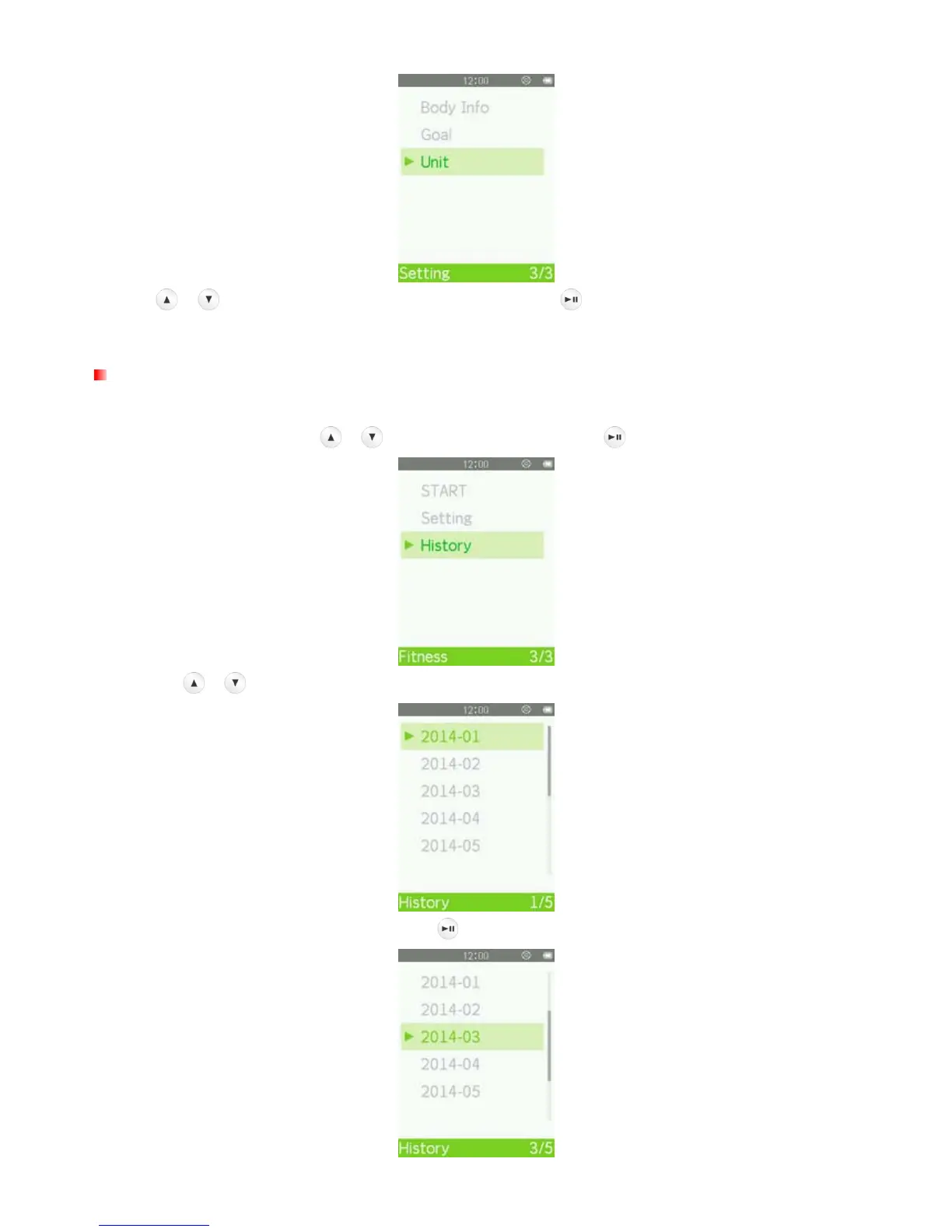
The MP710 records the time and goal of every exercise session. To review MP710 records:
1. In the FITNESS menu, use / to select “History” and press .
2. Use the / buttons to move up and down the list of files.
3. Select the file you want to review and press .



 To Next Page