45
PHOTO Mode︱
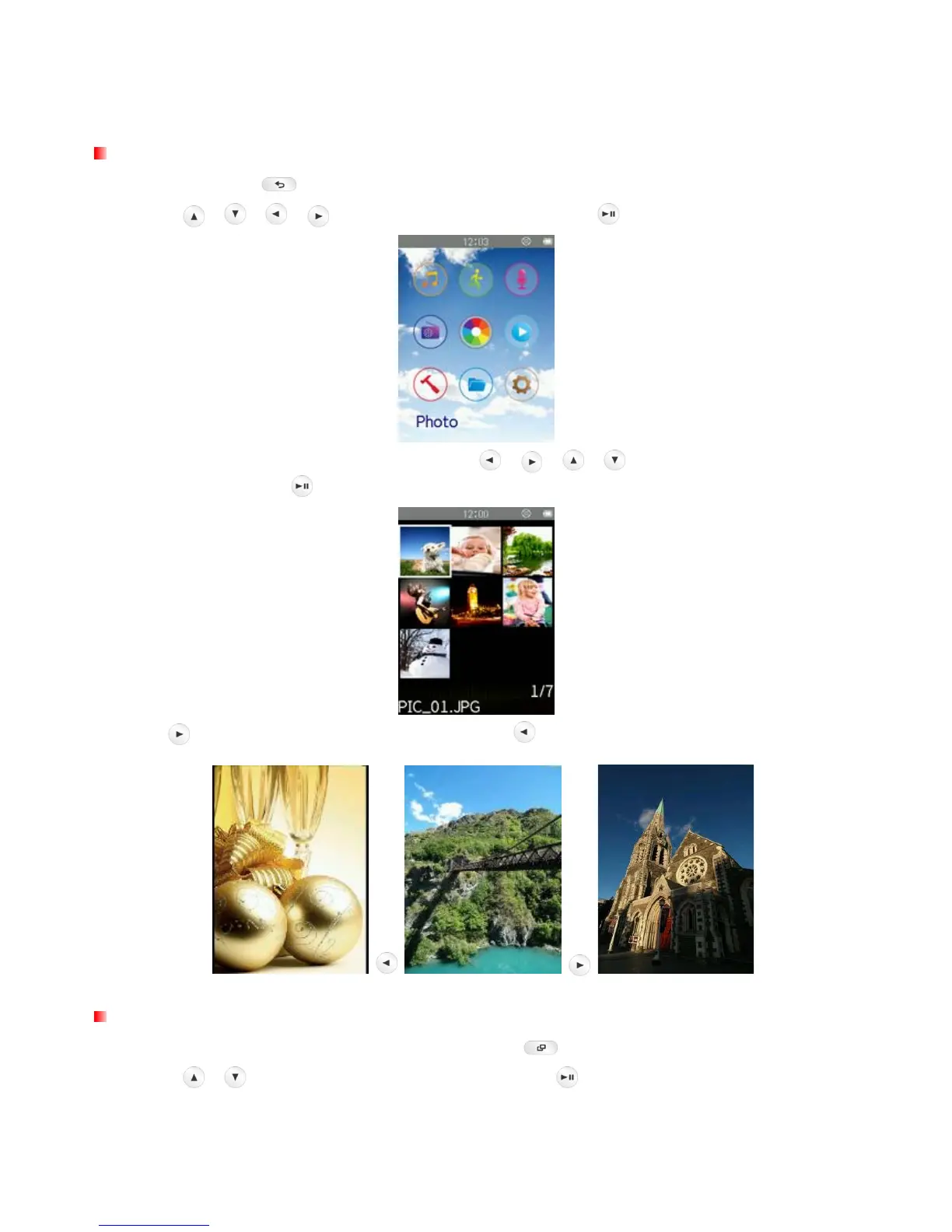
Displaying Photos
1. Press and hold the button to enter the Main Menu.
2. Use the
/
/ / buttons to select “Photo” and press .
3. The thumbnail photos will be displayed. Use the /
/
/ buttons to select the photo you
want to view and press
. (Alternatively, you can find all files in the FILE BROWSER)
4. Press to go to the next available photo, and press to go back to the previously viewed photo.
Brightness
1. When viewing an image in the PHOTO mode, press the button to open the Options menu.
2. Use the
/ buttons to select “Brightness” and press .



 To Next Page