55
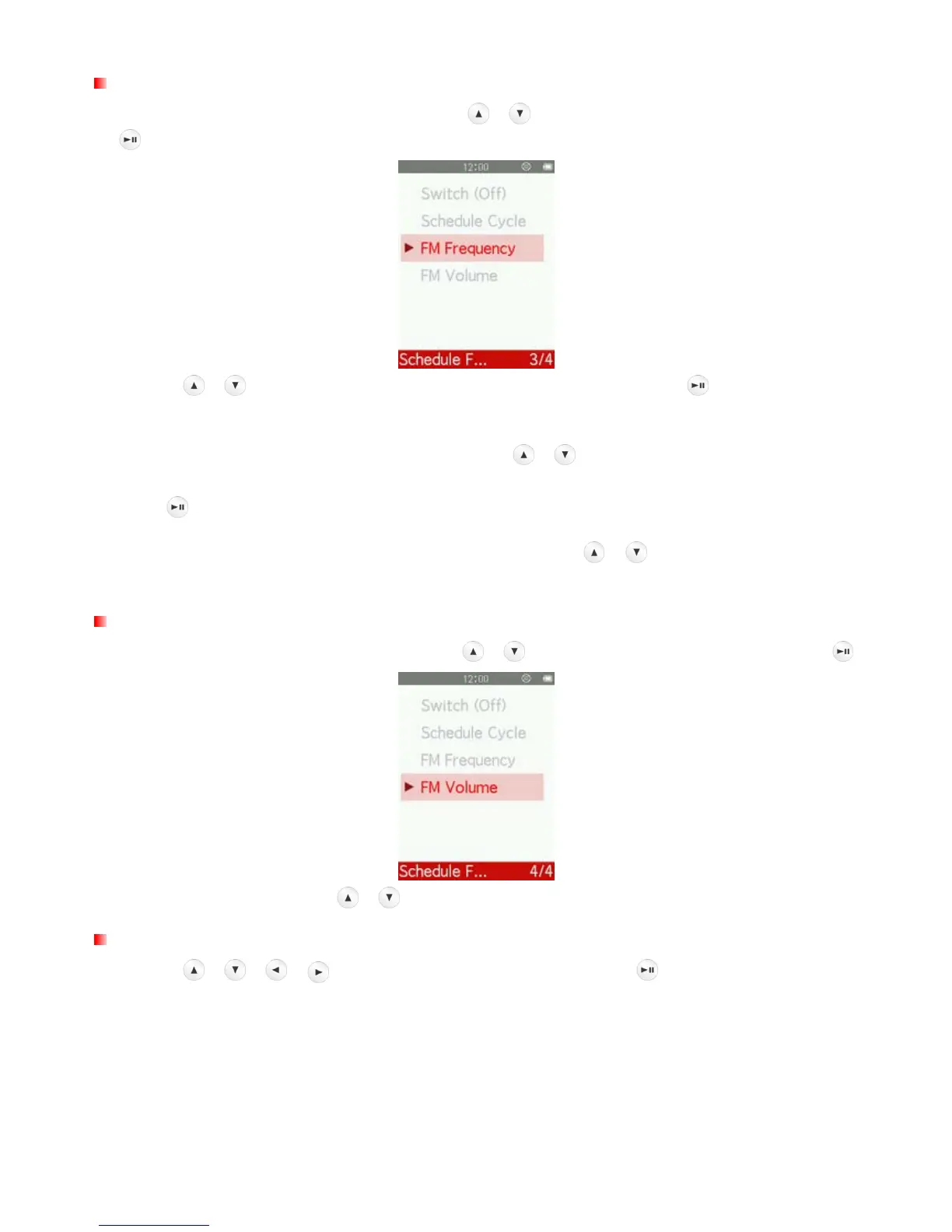
FM Frequency
1. In the Schedule FM Recording menu, use the
/ buttons to select “FM Frequency” and press
.
2. Use the
/ buttons to select “Station List” or “Manual Tune” and press .
3. If you select
“Station List”,
MP710 will automatically scan all frequencies and save the first 30 available
stations as channel presets (CH01 to CH30).
Use the
/
buttons to select the channel number and
press
.
4. If you select “Manual Tune”, press once or press and hold
/
until you reach the desired
frequency channel.
FM Volume
1. In the Schedule FM Recording menu, use the
/
buttons to select “FM volume” and press
.
2. Press once or press and hold / until you reach the desired volume level.
Stopwatch
1. Use the
/ / / buttons to select “Stopwatch” and press .



 To Next Page