28
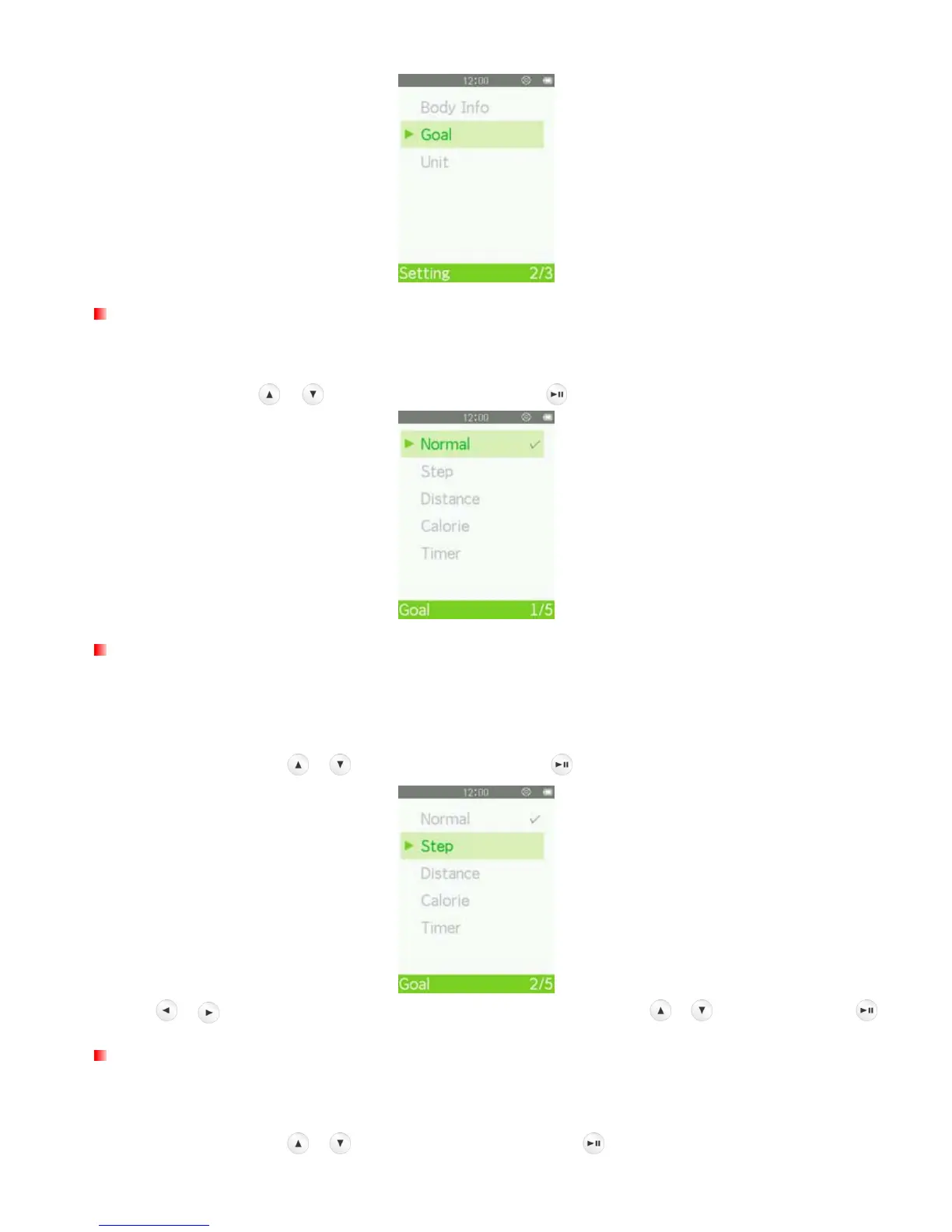
Goal: Normal
“Normal” lets you track your workout without presetting any specific goal.
In the Goal menu, use / to select “Normal” and press .
Goal: Step
“Step” lets you preset the total number of steps you want to complete in your workout. The estimated distance
of your normal footsteps can be set in “Footstep” in the Body Info menu. When the target is reached, a confirm
message will displayed.
1. In the Goal menu, use / to select “Step” and press .
2. Use /
to select each field. Adjust the values of each field with the
/
buttons and press
.
Goal: Distance
“Distance” lets you preset the total distance you want to complete in your workout. When the target is reached,
a confirmation message will be displayed.
1. In the Goal menu, use / to select “Distance” and press .



 To Next Page