37
RADIO Mode︱
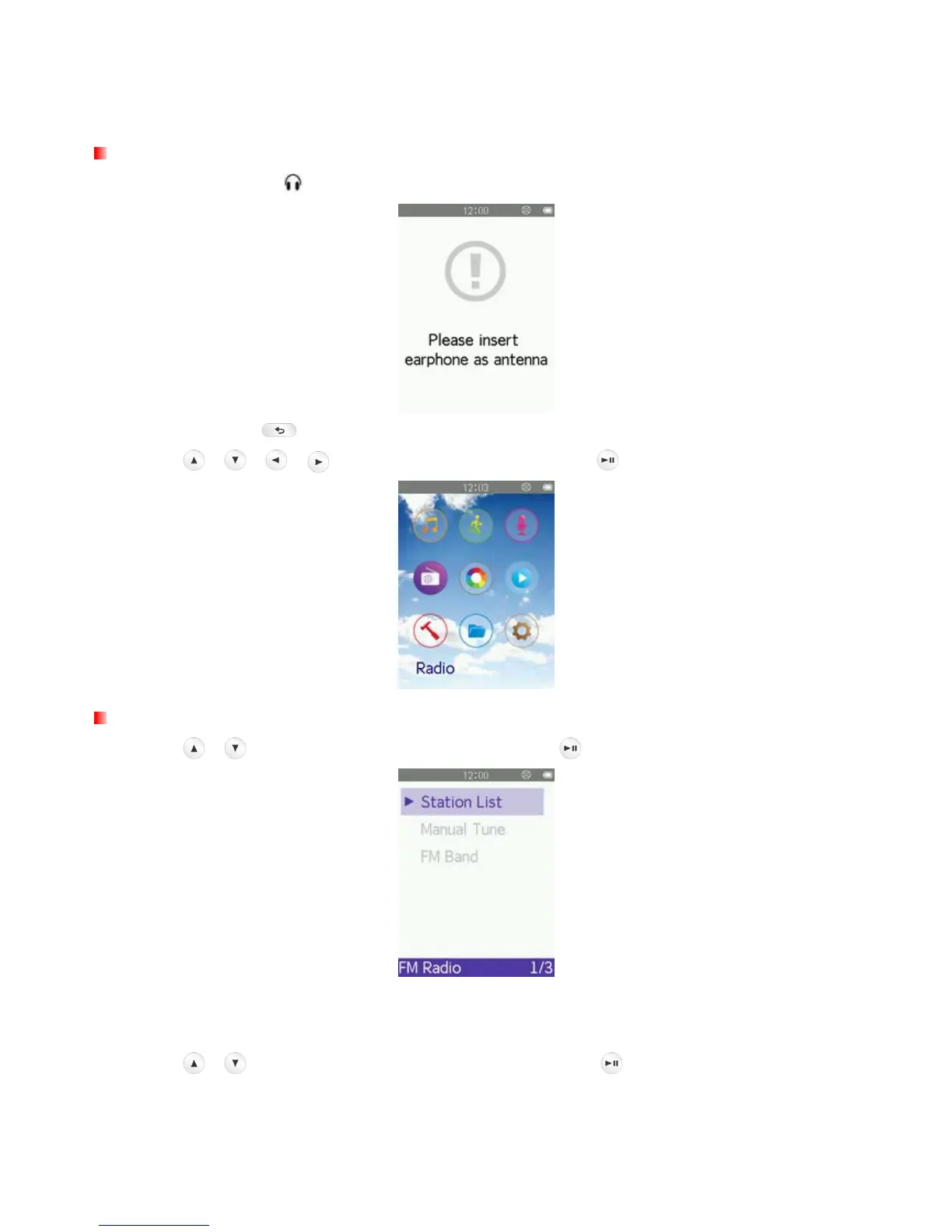
Listen to the Radio
1. Plug in the earphones . (Earphones must be plugged-in to listen to the Radio).
2. Press and hold the
button to enter the Main Menu.
3. Use the
/ / / buttons to select “Radio” and press .
Station List
1. Use the / buttons to select “Station List” and press .
2. MP710 will automatically scan all frequencies and save the first 30 available stations as channel presets
(CH01 to CH30).
3.
Use the
/
buttons to select the channel number and press
to listen to the selected channel.



 To Next Page