42
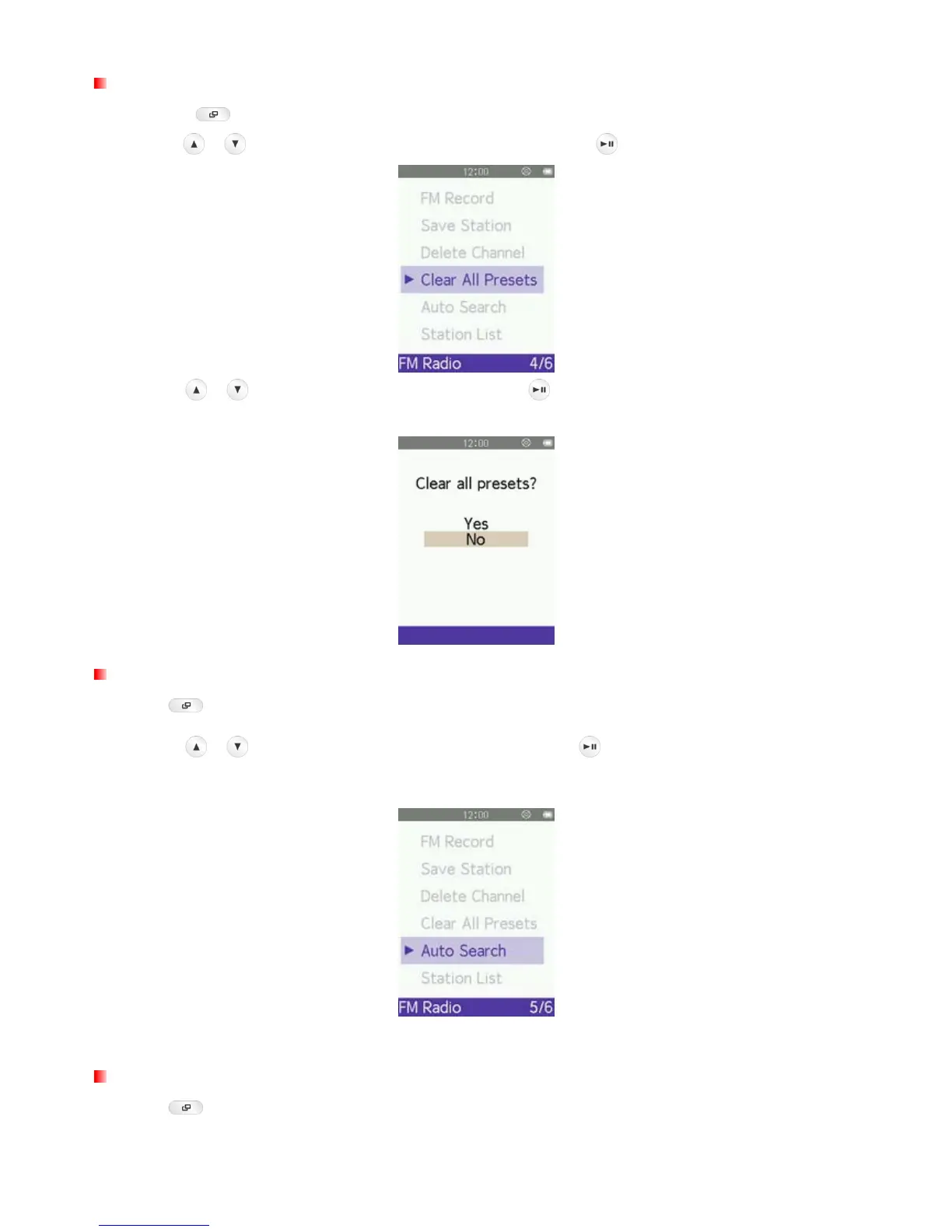
Clear All Presets
1. Press the button to open the Options menu.
2. Use the
/ buttons to select “Clear All Presets” and press to bring up the saved channel list.
3. Use the / buttons to highlight “Yes” and press to permanently delete the all channel list, or
select “No” to return to the Options menu without deleting
.
Auto Search
1. Press to open the Options menu.
2. Use the
/ buttons to select “Auto Search” and press
.
All FM channels will be automatically
scanned and the first 30 available stations will be saved.
ο The previously-saved channels in the station list will be reset first when using this function.
Recalling a Saved Station
1. Press to open the Options menu.



 To Next Page