26
Body Information Settings
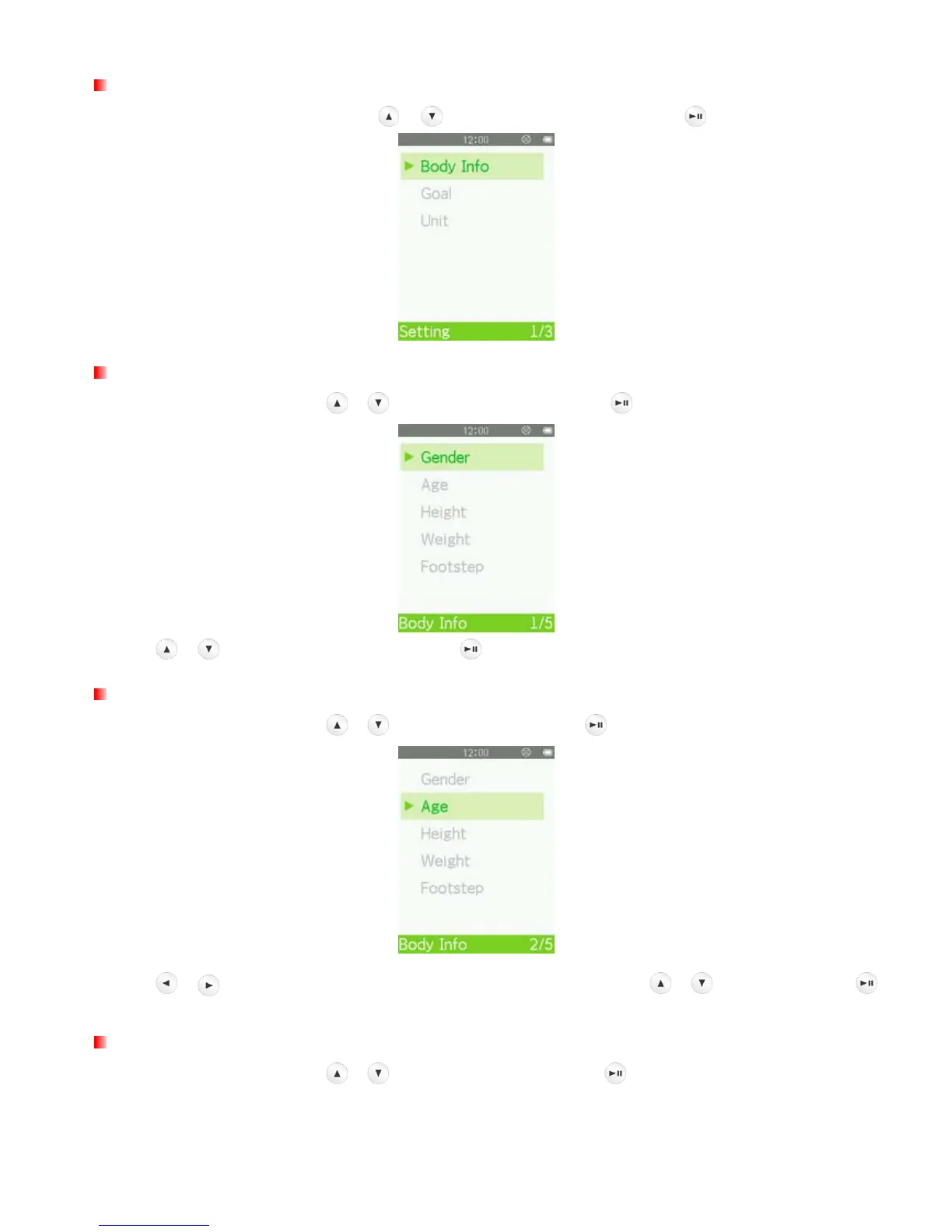
In the FITNESS SETTING menu, use / to select “Body Info” and press .
Enter Gender
1. In the Body Info menu, use
/ to select “Gender” and press .
2. Use /
to select your gender and press
.
Enter Age
1. In the Body Info menu, use
/ to select “Age” and press .
2. Use /
to select each field. Adjust the values of each field with the
/
buttons and press
.
Enter Height
1. In the Body Info menu, use
/ to select “Height” and press .



 To Next Page