32
RECORD Mode︱
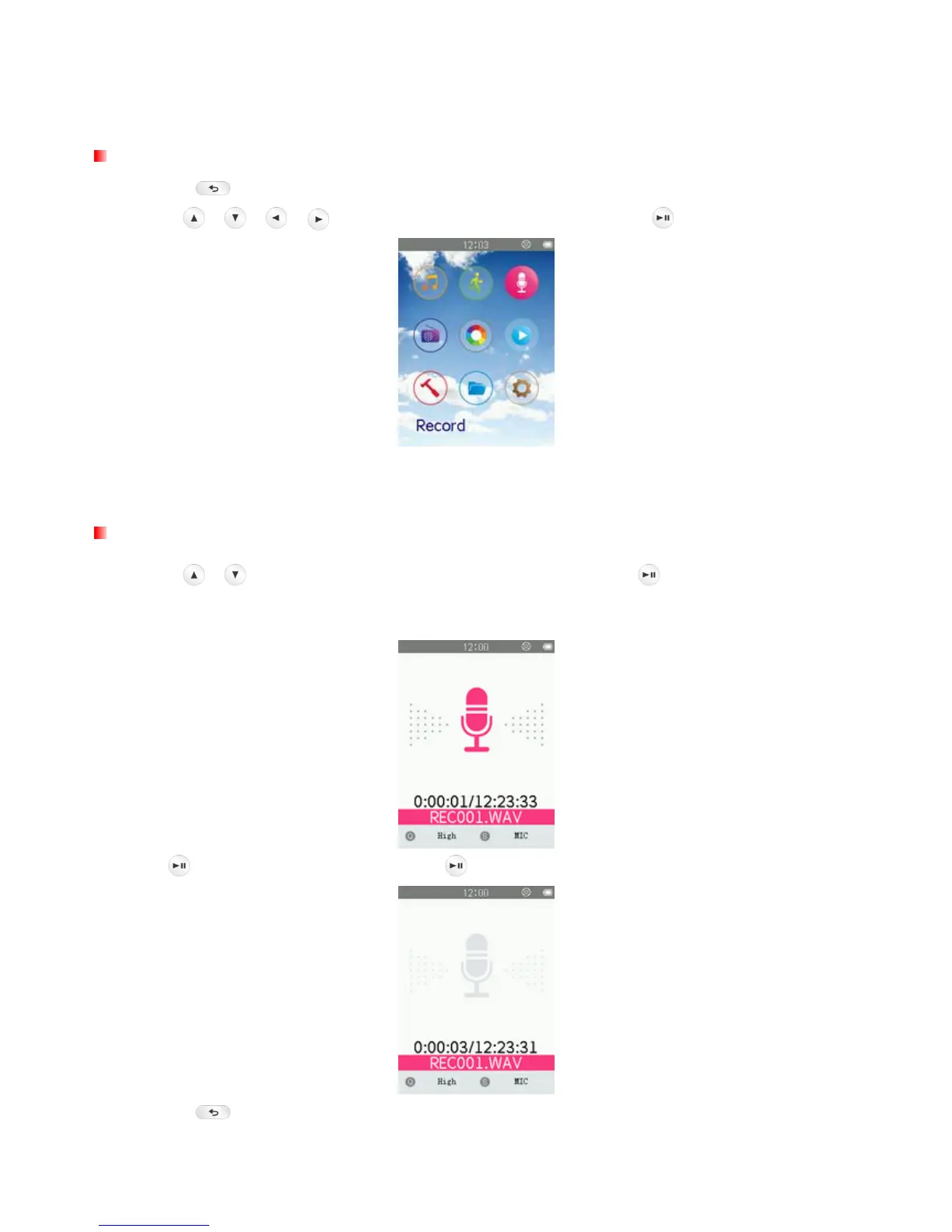
Record menu
1. Press the
button to enter the Main Menu.
2. Use the
/ / / buttons to select “Record” mode and press .
ο All recordings can be accessed in FILE BROWSER mode or by using the File Browser in MUSIC
mode
Voice Recording
1. Use the / buttons to select “Start Voice Recording” and press
.
2. An automatically generated file name for your recording will appear on the screen.
3. Press
to pause the recording, and press again to resume.
4. Press the
button. A “Stop recording?” message will appear.



 To Next Page