38
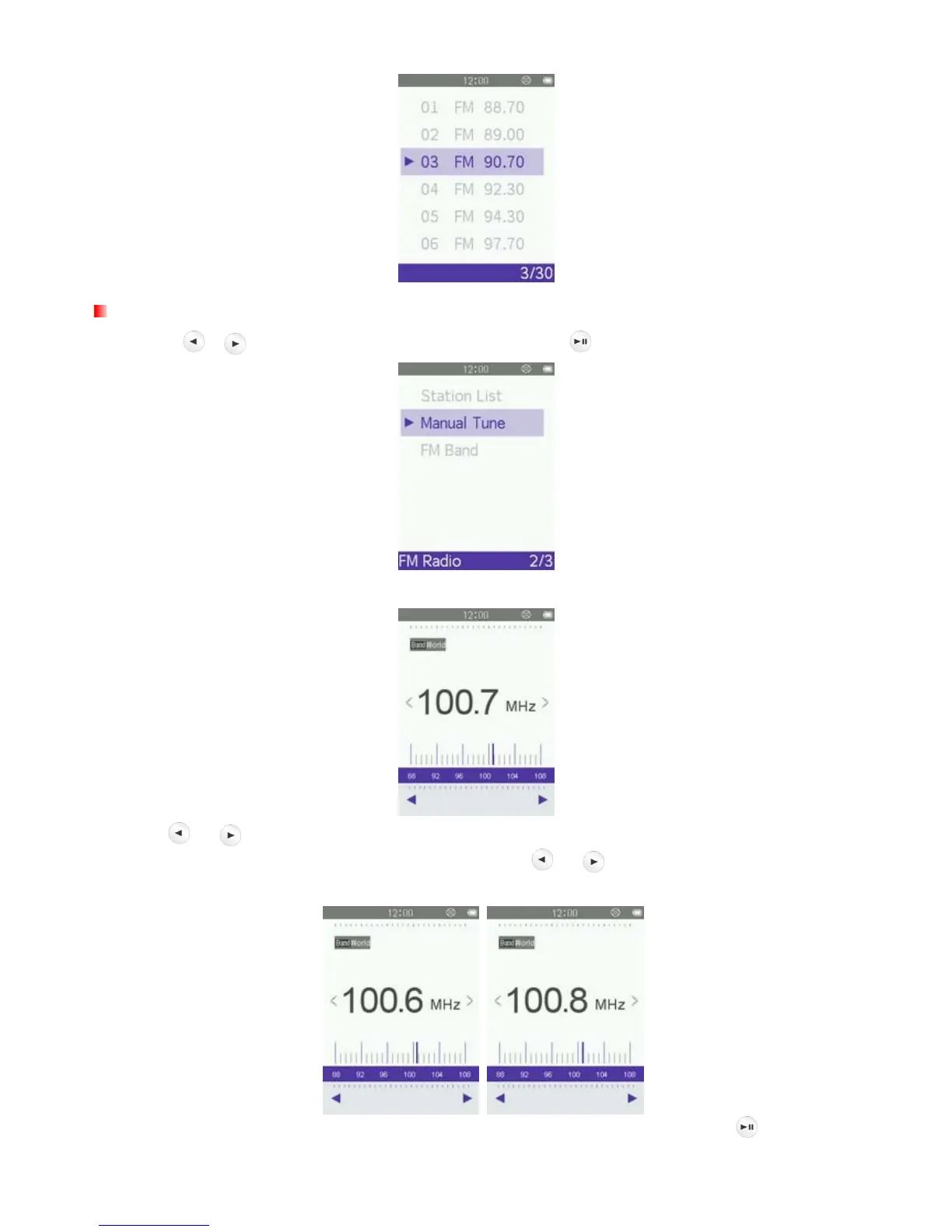
Manual Tune
1. Use the / buttons to select “Manual Tune” and press .
2. The current FM Radio frequency will be displayed.
3. Press
or (the FM frequency will increase or decrease in 0.1MHz increments) until you reach the
desired station. Alternatively, you can press and hold either
or to auto-scan for the next available
station.
Note: If you have already saved your favorite stations to the Station List, you can press
to quickly switch



 To Next Page