50
VIDEO Mode︱
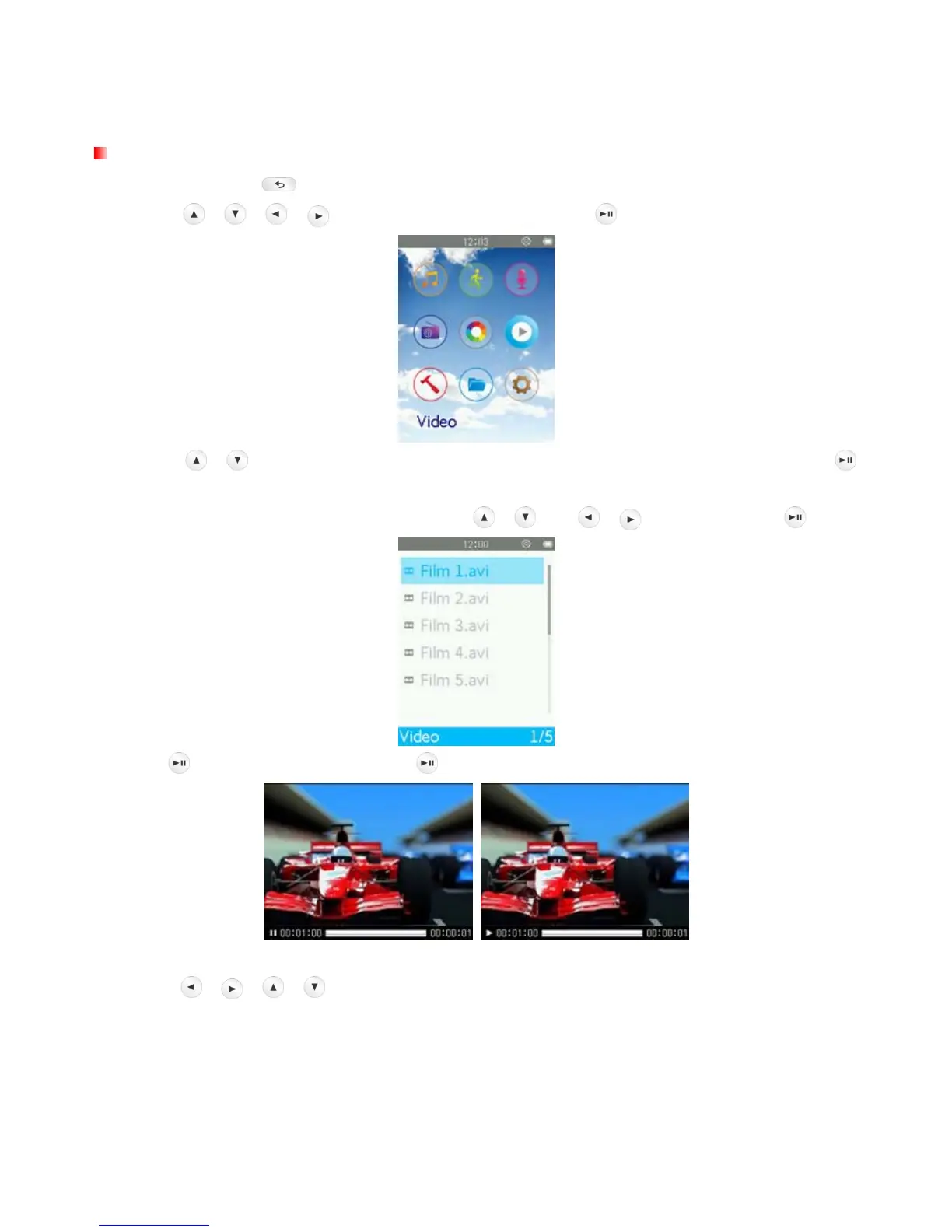
Playing Video Files
1. Press and hold the button to enter the Main Menu.
2. Use the
/ / / buttons to select “Video” and press .
3. Use the
/ buttons to select the source location of the video you want to play and press .
(Alternatively, you can find all files in the FILE BROWSER mode)
4. Navigate to the file you want to play by using the
/ and / buttons and press .
5. Press
to pause the video, and press again to resume.
ο In order to maximize the screen’s resolution, video playback is displayed horizontally.
ο The
/
/
/ directional controls will be adjusted to function horizontally.



 To Next Page