59
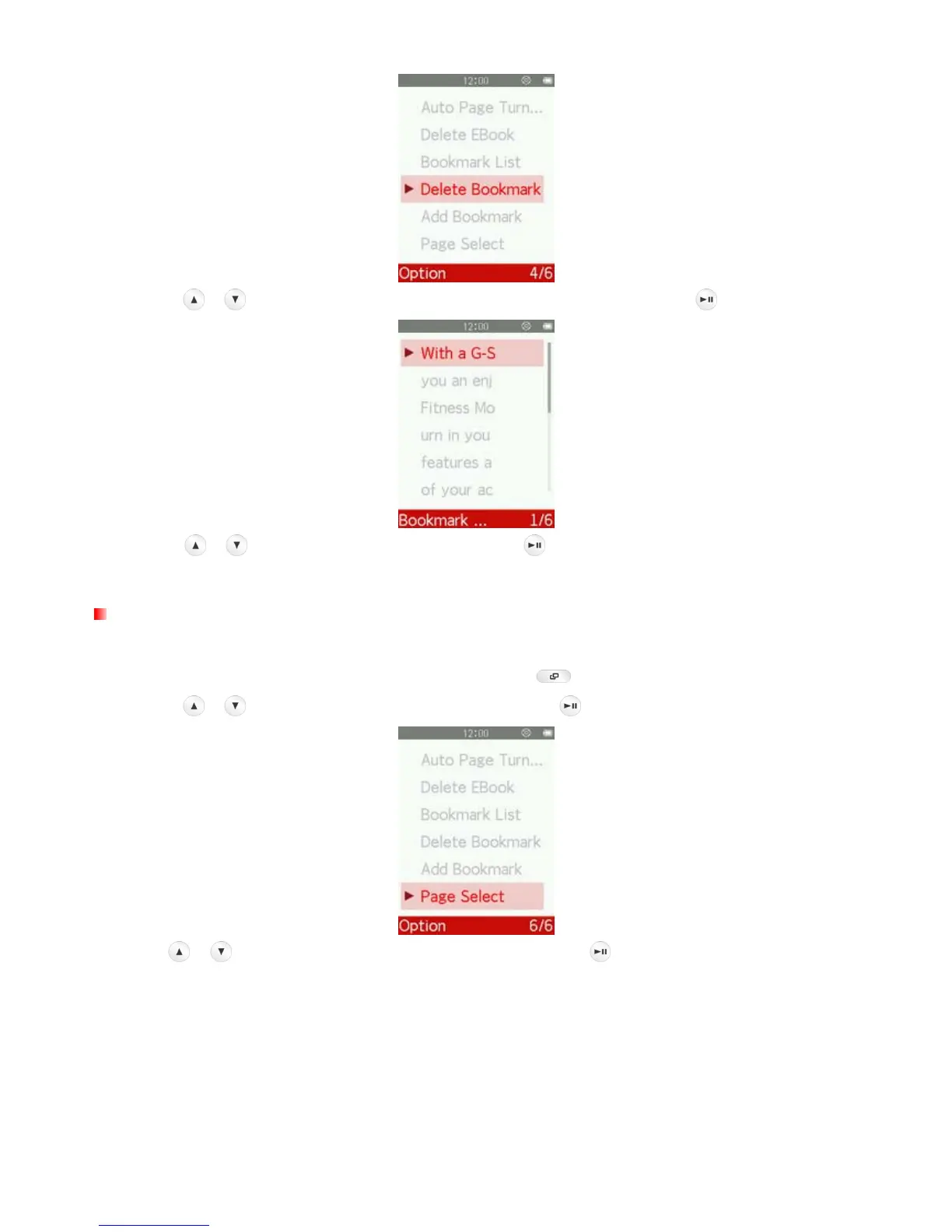
3. Use the
/ buttons to select the bookmark you want to delete, and press .
4. Use the
/ buttons to highlight “Yes” and press to delete the selected bookmark, or select
“No” to return to the Options menu without deleting.
Page Select
This function lets you jump to a certain position of the document.
1. While reading a text file in the E-BOOKS mode, press the button to open the Options menu.
2. Use the
/ buttons to select “Page Select” and press .
3. Press
/ to increase or decrease page number and press .



 To Next Page