29
2. Use /
to select each field. Adjust the values of each field with the
/
buttons and press
.
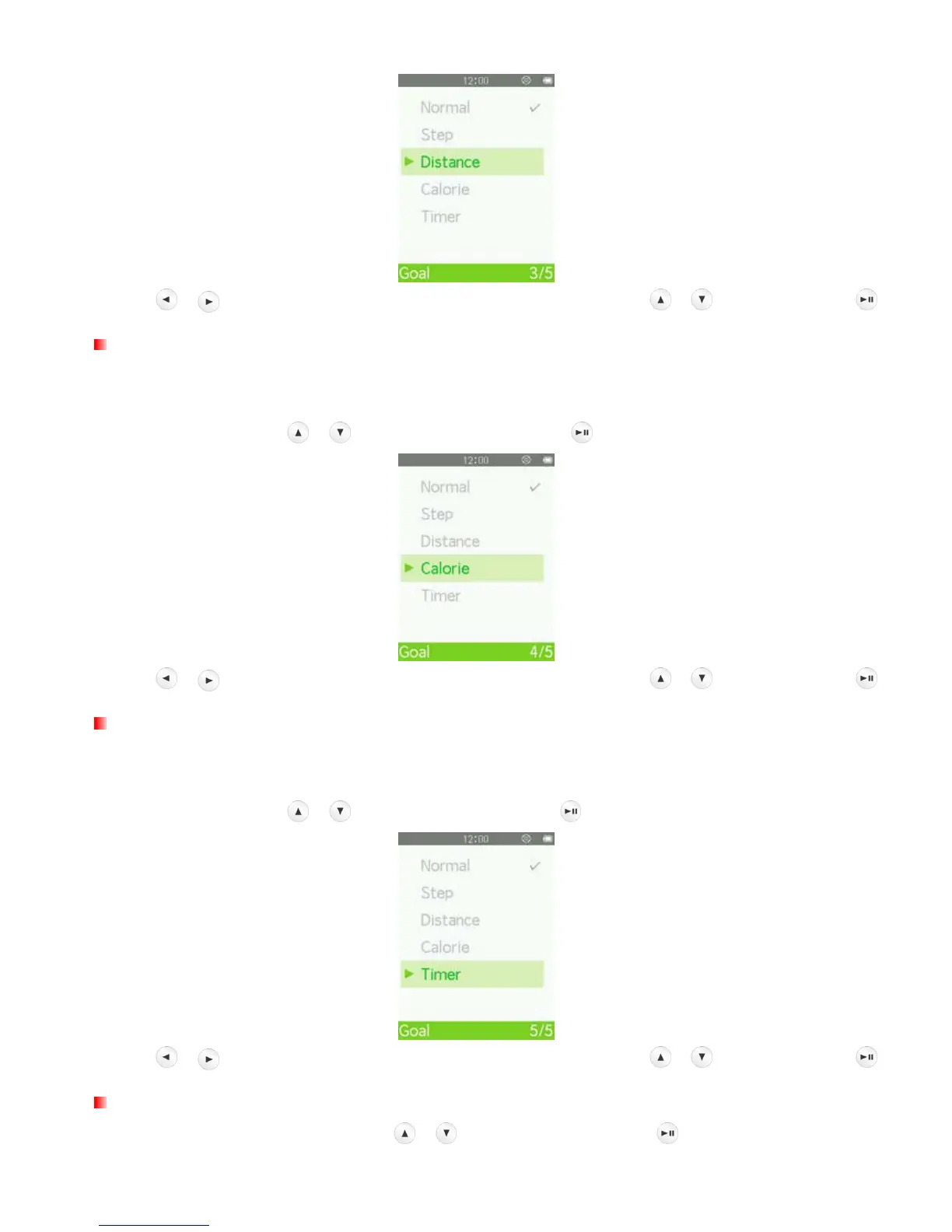
Goal: Calorie
“Calorie” lets you preset the total number of calories you want to burn in your workout. When the target is
reached, a confirmation message will be displayed.
1. In the Goal menu, use / to select “Calorie” and press .
2. Use /
to select each field. Adjust the values of each field with the
/
buttons and press
.
Goal: Timer
“Timer” lets you preset the total time of your workout. When the time has elapsed, a confirmation message will
be displayed.
1. In the Goal menu, use / to select “Timer” and press .
2. Use /
to select each field. Adjust the values of each field with the
/
buttons and press
.
Unit Setting
1. In the FITNESS SETTING menu, use
/ to select “Unit” and press .



 To Next Page