48
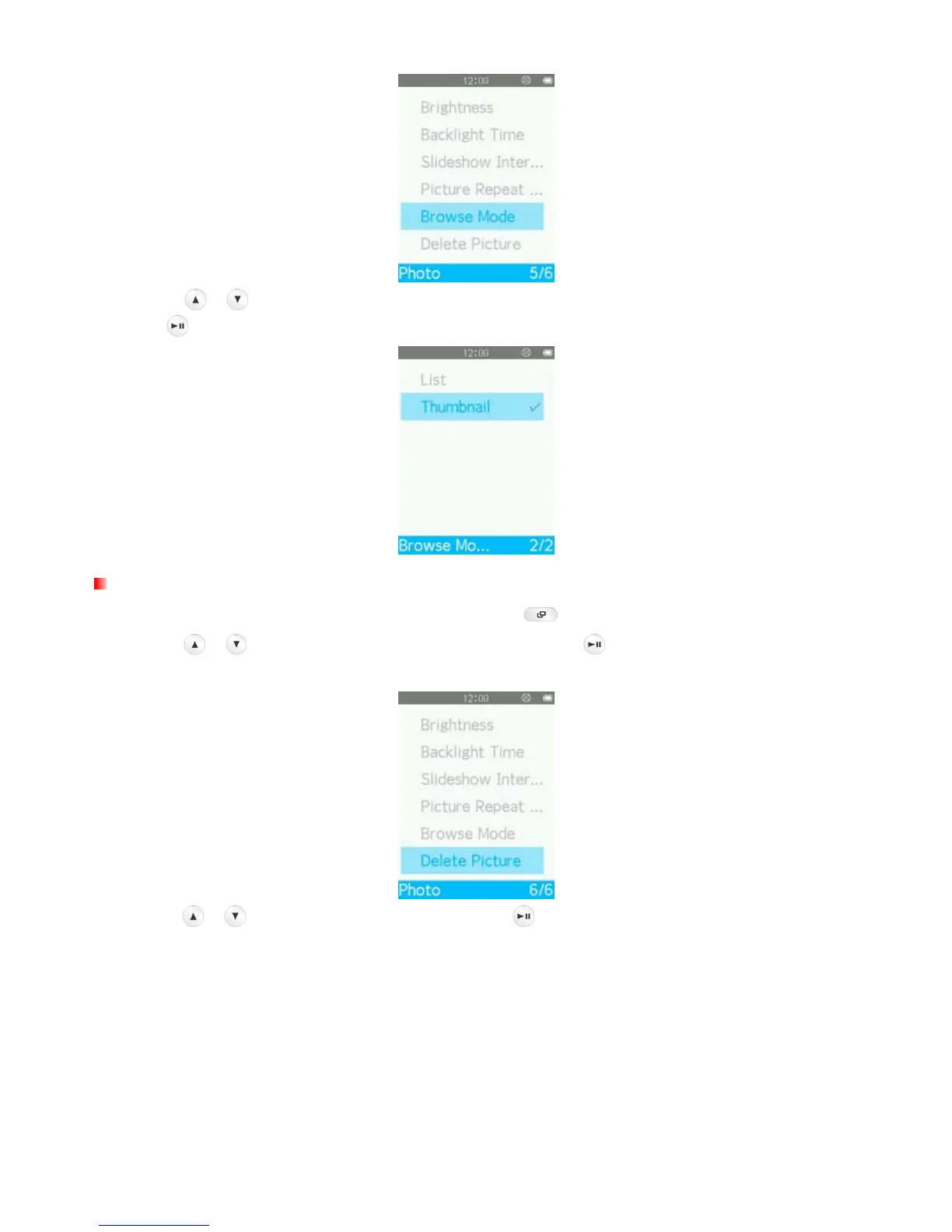
3. Use the
/ buttons to select a file display mode (“List” or “Thumbnail”) you want to use and
press
.
Delete
1. When viewing an image in the PHOTO mode, press the button to open the Options menu.
2. Use the
/ buttons to select “Delete Picture” and press . A “Confirm File Delete” message
will appear.
3. Use the
/ buttons to highlight “Yes” and press to permanently delete the currently displayed
picture, or select “No” to return to the Options menu without deleting.



 To Next Page