52
3. Use the / buttons to select mode and press .
Repeat:
Normal (plays all video files available one time, in consecutive order)
Repeat One (continuously repeats the current video)
Repeat All (continuously repeats playback of all video files available, in consecutive order)
Delete
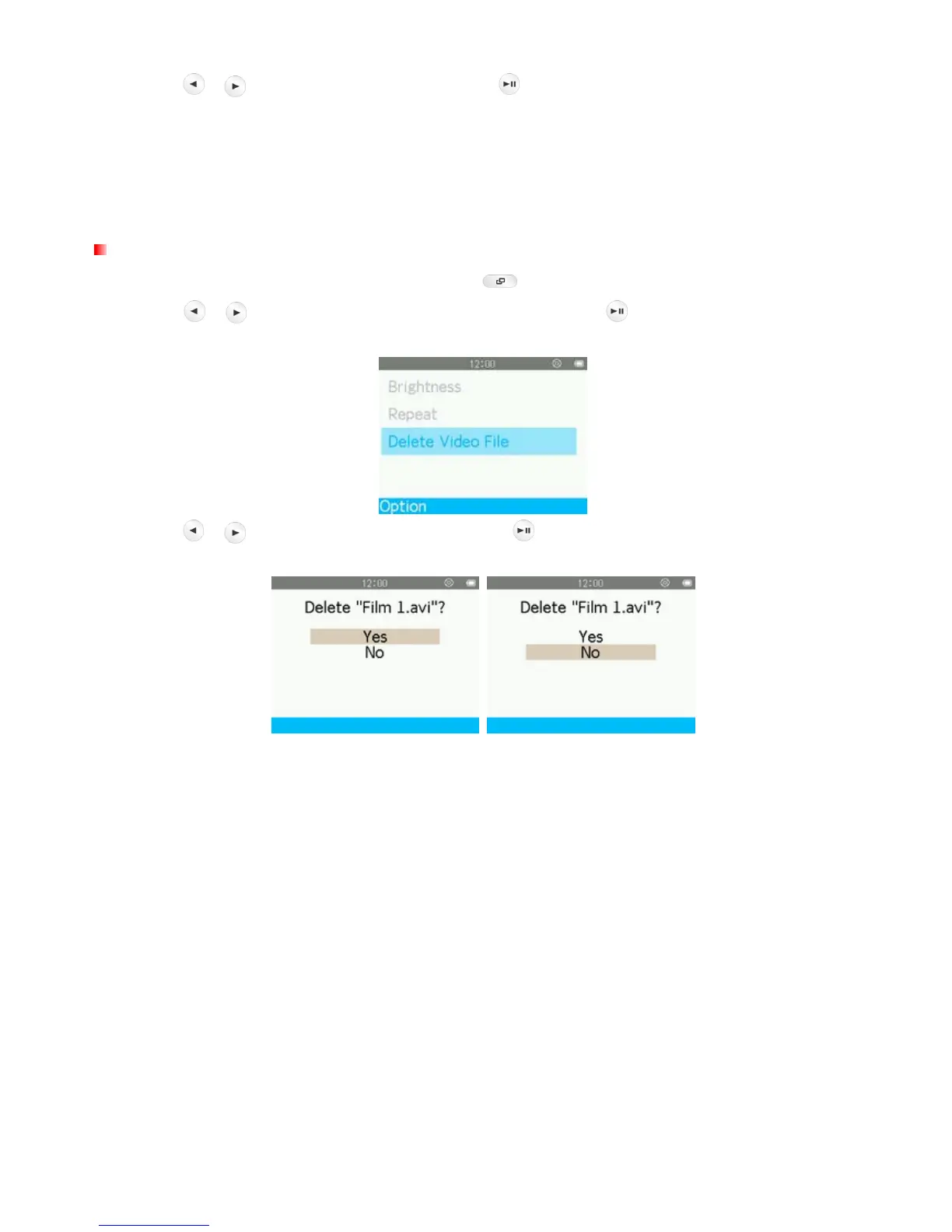
1. While viewing a file in the VIDEO mode, press the button to open the Options menu.
2. Use the
/ buttons to select “Delete Video File” and press . A “Confirm File Delete” message
will appear.
3. Use the
/ buttons to highlight “Yes” and press to permanently delete the currently played video,
or select “No” to return to the Options menu without deleting.



 To Next Page