40
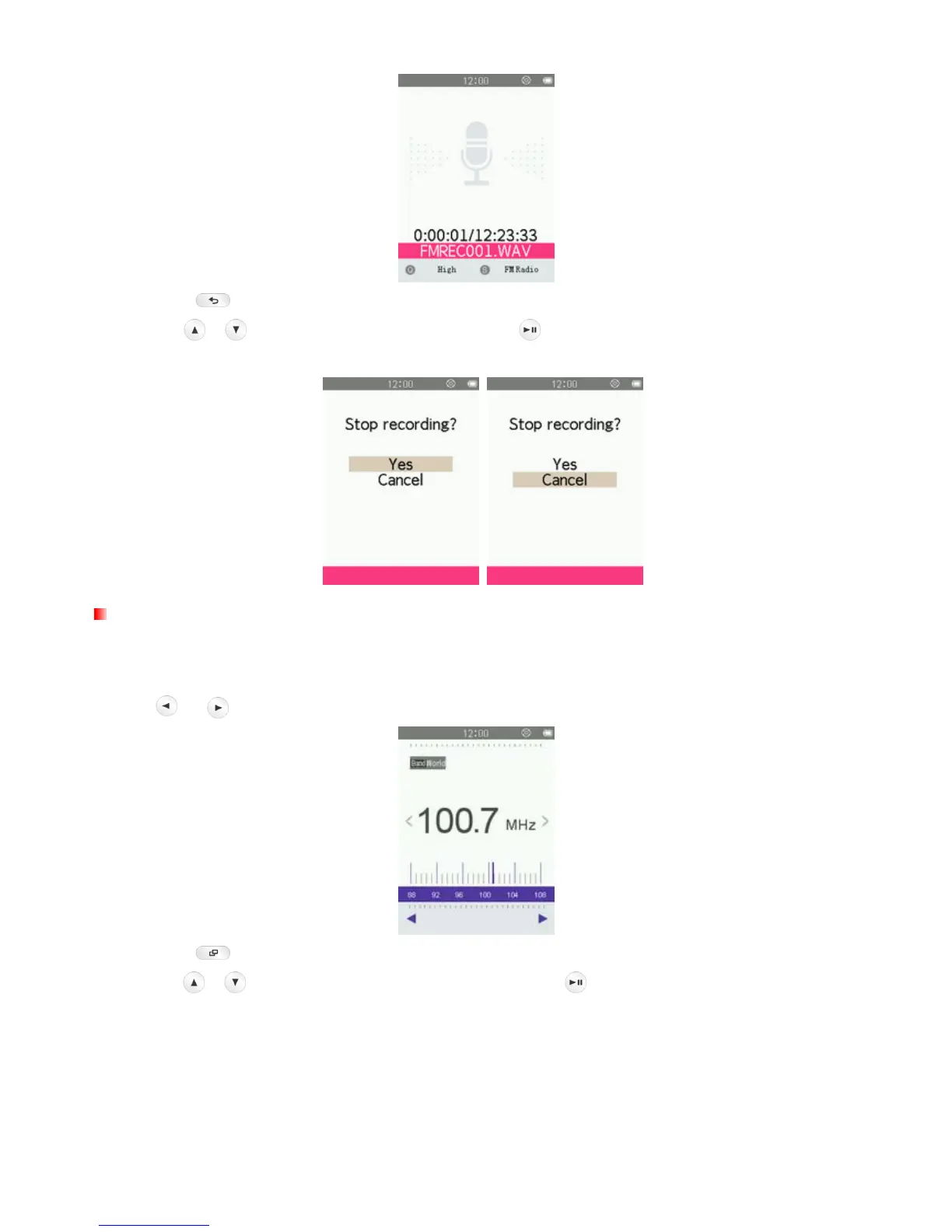
6. Press the button. A “Stop Recording” message will appear.
7. Use the
/ buttons to highlight “Yes” and press to save the recording and return to the RADIO
mode.
Saving a Radio Station
The MP710 lets you save your 30 favorite radio stations (CH01 to CH30).
To save a station:
1. Use
or to select the radio station (FM frequency) that you want to save.
2. Press the button to open the Options menu.
3. Use the
/ buttons to select “Save Station” and press to bring up the saved channel list.



 To Next Page