33
5. Use the
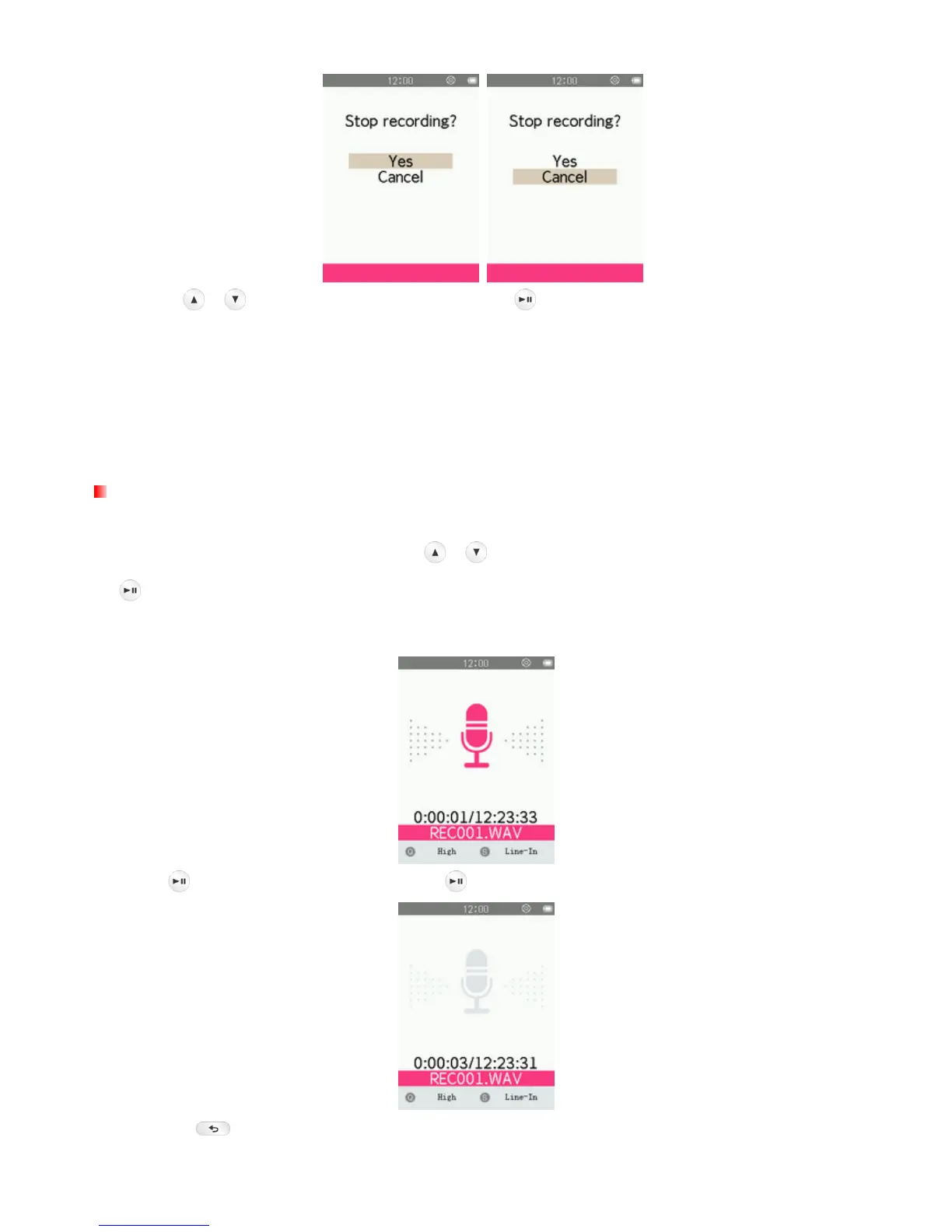
/ buttons to highlight “Yes” and press to finish the recording.
ο Voice recordings are named and numbered in this format: “REC###.WAV”
Ex: REC003.WAV represents the third voice recording
ο Voice recordings are saved in the INTERNAL MEMORY/RECORD
ο For best results, try to position the MP710’s Microphone as close as possible to the source of the
sound or voice you are recording.
Line-in Recording
To adjust the Record Source, please see the “Set Record Source” section of this manual.
1. After setting the Record Source, use the
/ buttons to select “Start Voice Recording” and press
.
2. An automatically generated file name for your recording will appear on the screen.
3. Press
to pause the recording, and press again to resume.
4. Press the
button. A “Stop recording” message will appear.



 To Next Page