41
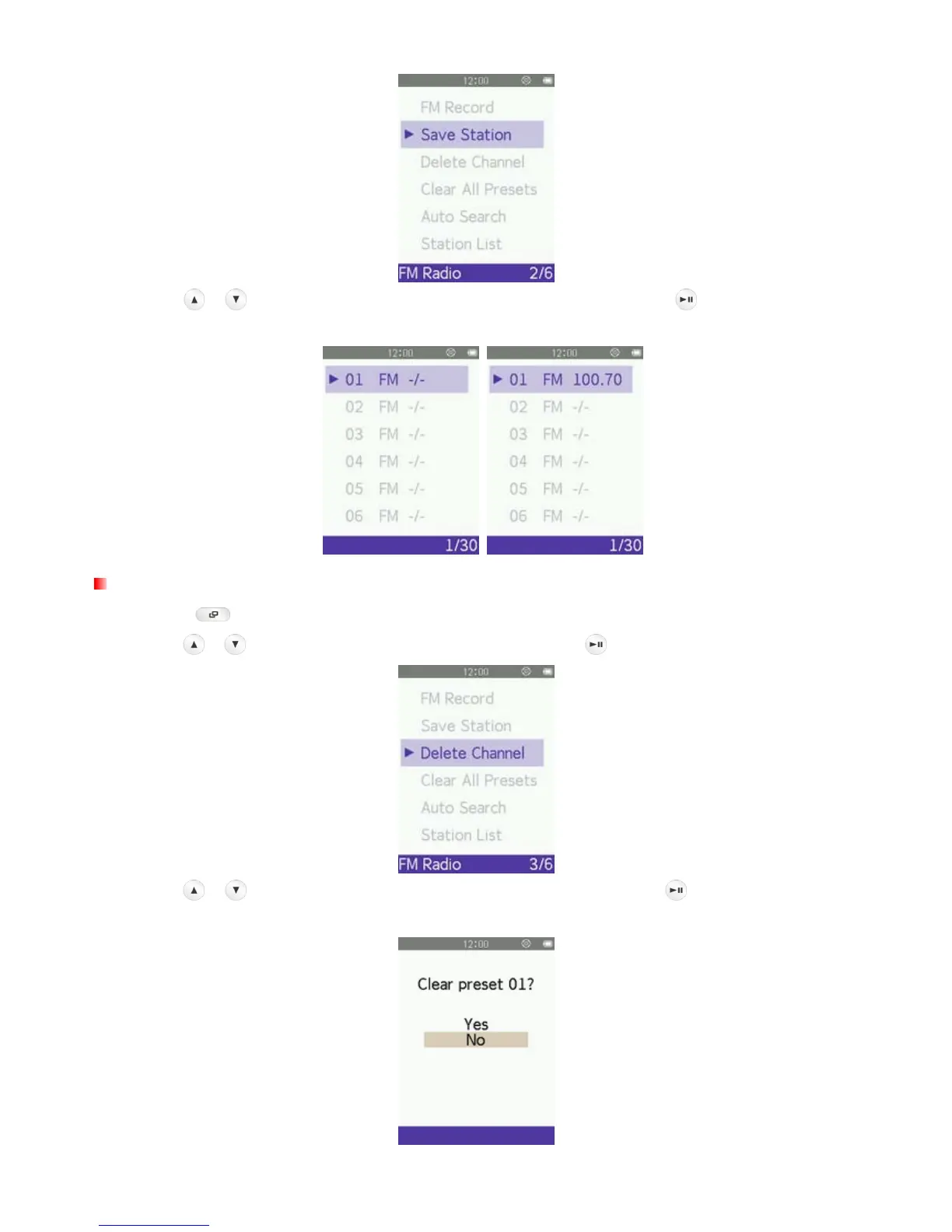
4. Use the / buttons to select your desired channel number, and press again to save the current
radio station to that channel.
Delete Channel
1. Press the button to open the Options menu.
2. Use the
/ buttons to select “Delete Channel” and press to bring up the saved channel list.
3. Use the / buttons to select the desired channel number, and press again to delete the current
radio station from that channel.



 To Next Page