20
4. Press the button again to mark the end of the section you want to repeat.
5. The marked section of the song will playback in a continuous loop.
6. Press the button once more to stop the A-B repeat function.
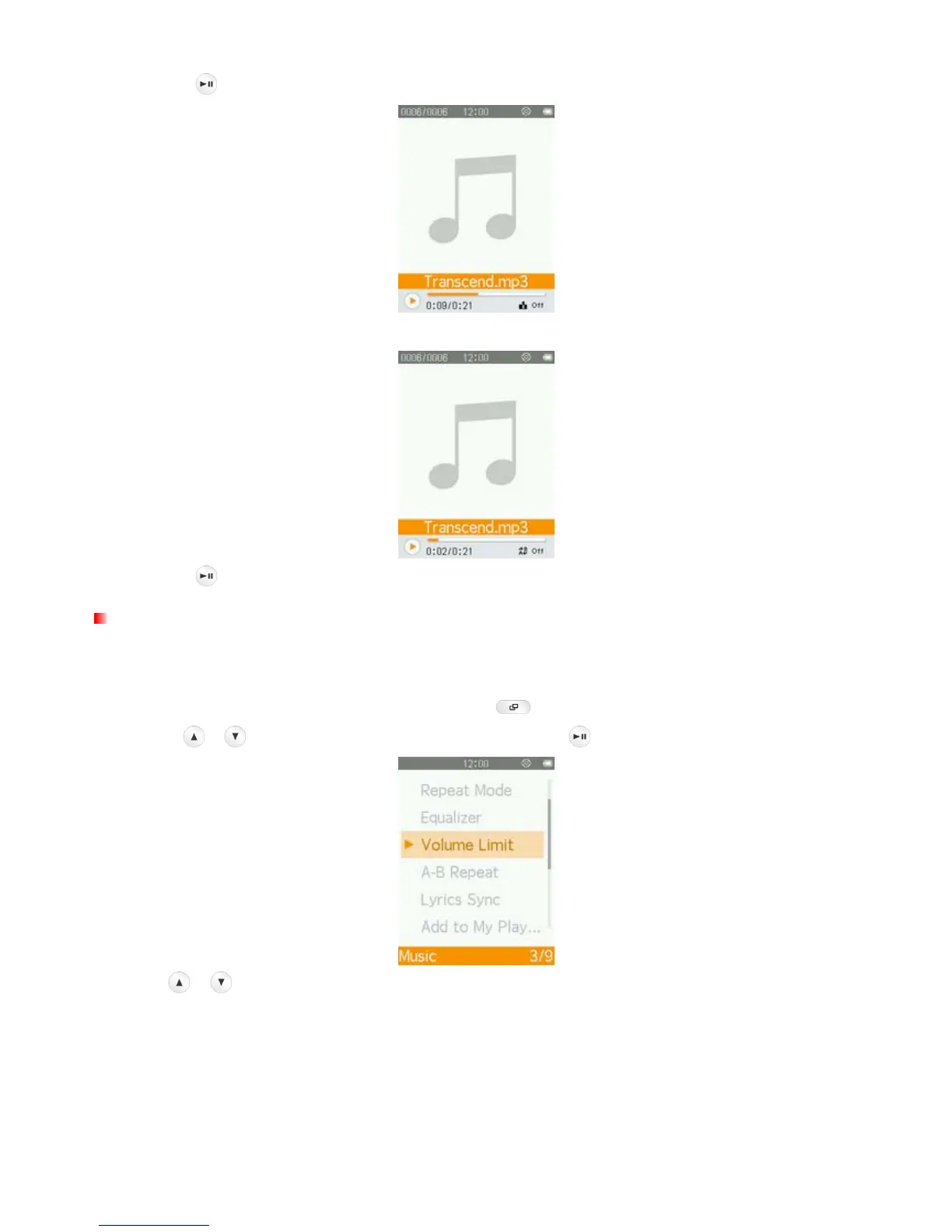
Volume Limit
This function lets you enable/disable the volume limit and set a maximum limit level to prevent the volume
from exceeding a certain value.
1. While playing a song in the MUSIC mode, press the
button to open the Options menu.
2. Use the
/ buttons to select “Volume Limit” and press .
3. Press / to increase or decrease levels of maximum volume.



 To Next Page