43
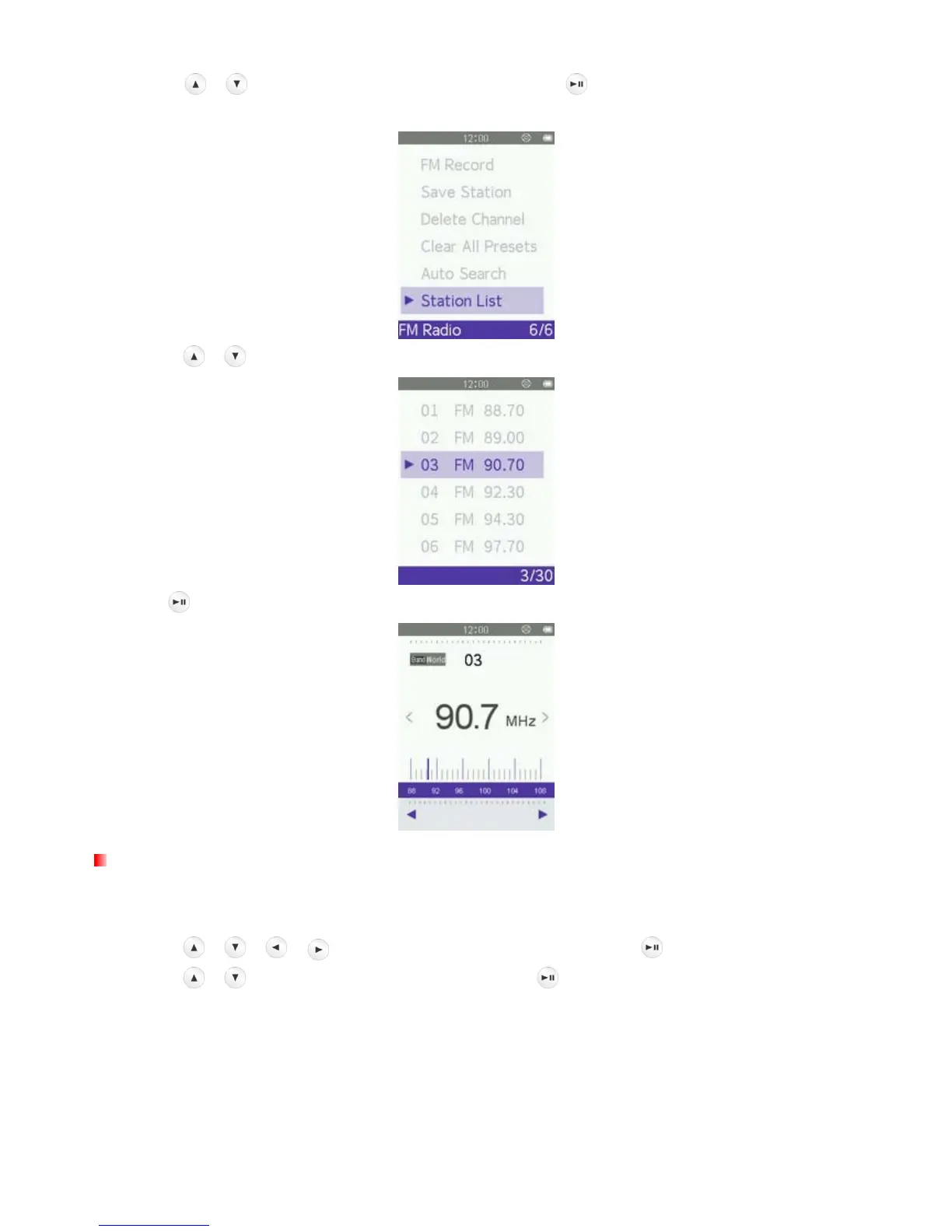
2. Use the / buttons to select “Station List” and press to display your saved stations (CH01 to
CH30).
3. Use the / buttons to select a channel number.
4. Press to listen to the selected channel.
FM Band
The MP710 allows you choose World FM Band (87.5MHz~108.0MHz) or Japan FM Band
(76.0MHz~90.0MHz).
1. Use the
/ / / buttons to select “Radio” mode and press .
2. Use the
/ buttons to select “FM Band” and press .



 To Next Page