34
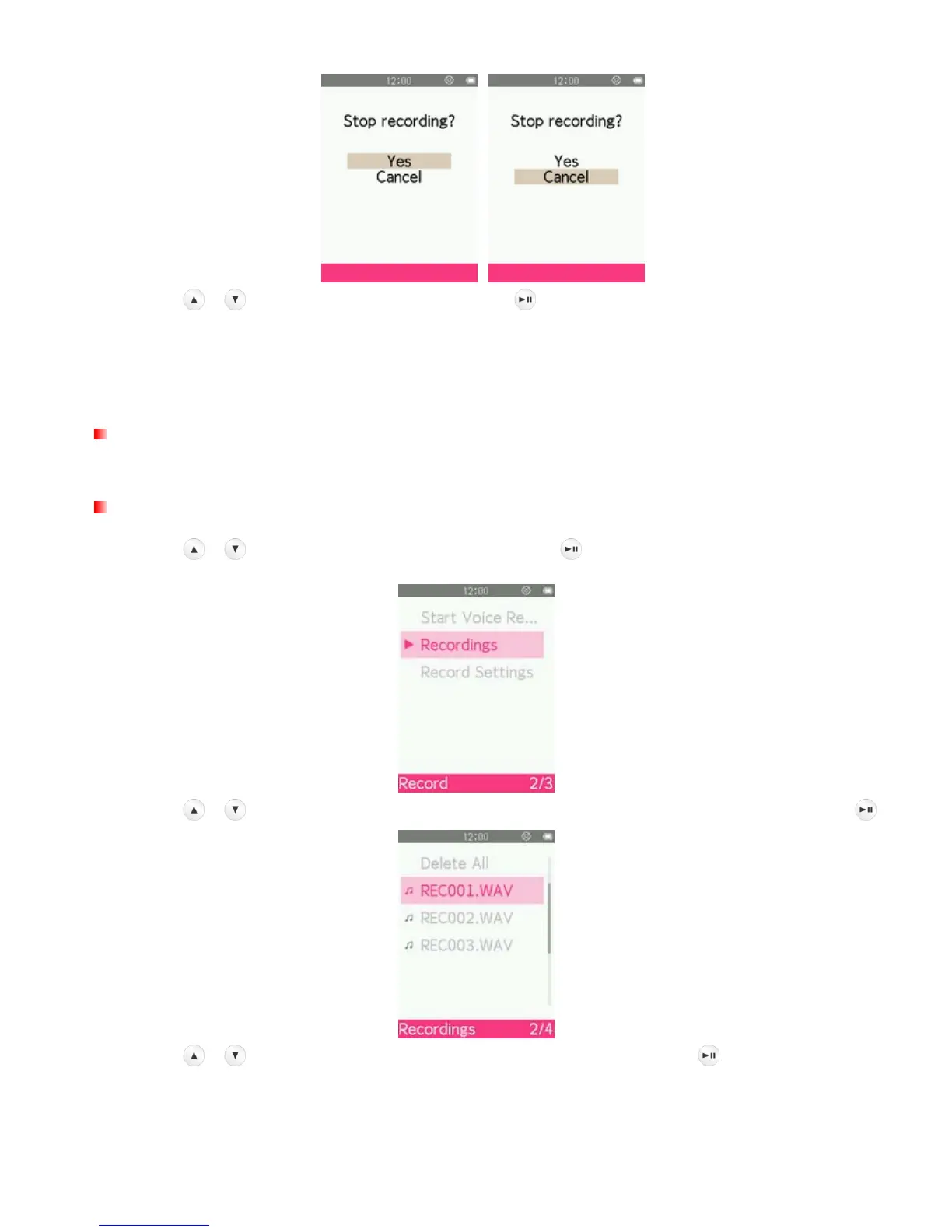
5. Use the
/ buttons to highlight “Yes” and press to finish the recording.
ο Line-In recordings are named and numbered in this format: “REC###.WAV”
Ex: REC003.WAV represents the third Line-In recording
ο Line-In recordings are saved in the INTERNAL MEMORY/RECORD
Recording the Radio
Please see the “Recording the Radio” section in the RADIO mode for detailed instructions.
Recordings
1. Use the / buttons to select “Recordings” and press
.
2. Use the
/ buttons to select the source location of the recording file you want to play and press .
3. Use the
/ buttons to select the recording file you want to play and press .



 To Next Page