65
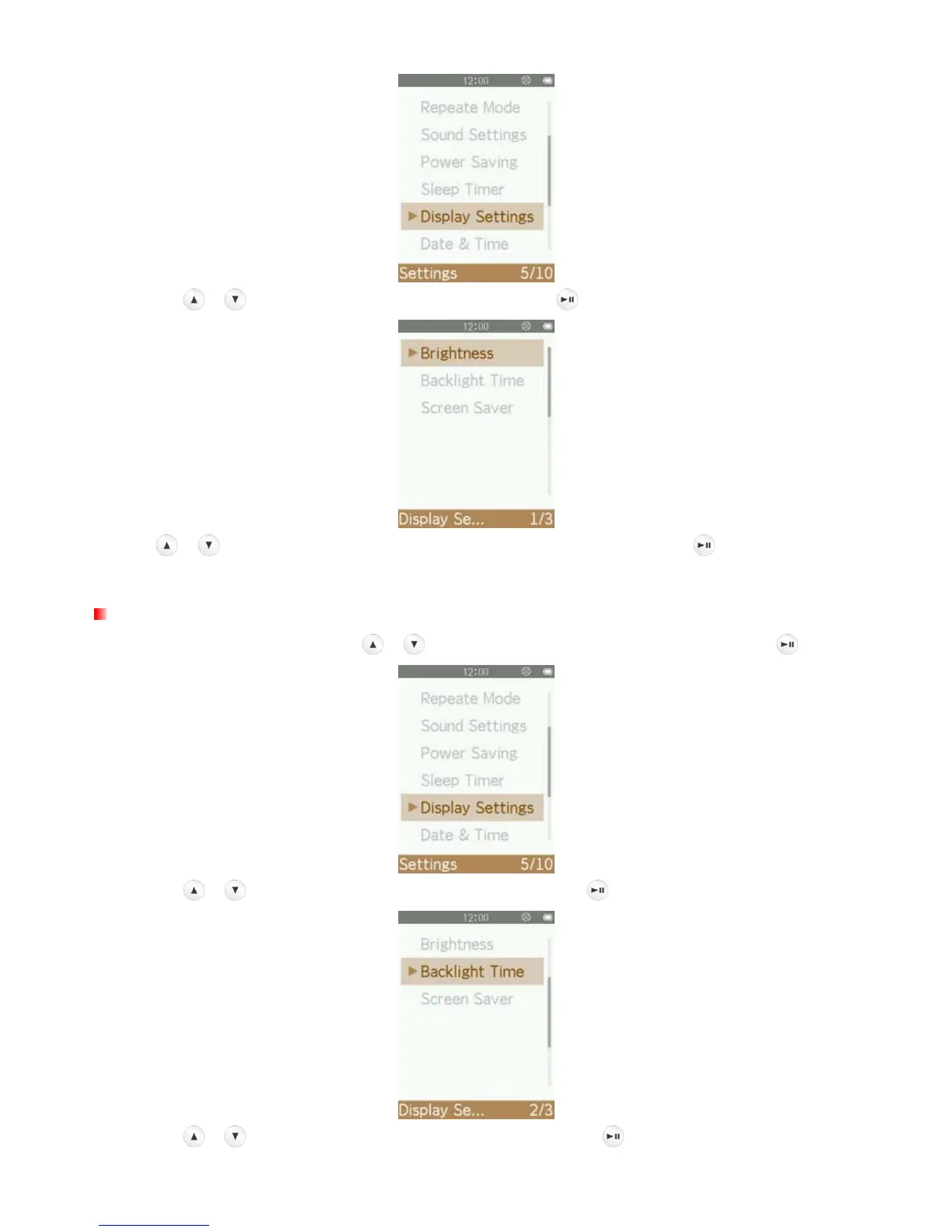
2. Use the / buttons to select “Brightness” and press .
3. Use / buttons until you reach the desired level of brightness and press to confirm.(Adjustment
range: 0 ~ 10)
Backlight Time
1. In the SETTINGS menu, Use the / buttons to select “Display Settings” and press .
2. Use the / buttons to select “Backlight Time” and press .
3. Use the / buttons to select the desired interval time, press to confirm.



 To Next Page