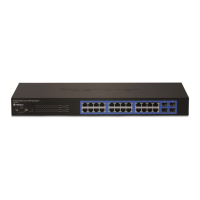
24-Port Gigabit Layer 2 Switch w/ 4 Shared Mini-GBIC Slots
5-5
SNMP Version
Specify the SNMP version to be used, which can be v1, v2c, or v3. Select
‘encrypted’ if the encryption for user authentication is needed. Once the
encryption is enabled, then you can set the authentication and privilege
Auth-Protocol Specify the authentication algorithm from MD5 or SHA algorithm, and the
Specify the privilege encryption algorithm from DES or none, and the
password.
Click ADD to submit the changes and the Reset button will clear the information. Select and click Delete to
remove an existed entry.
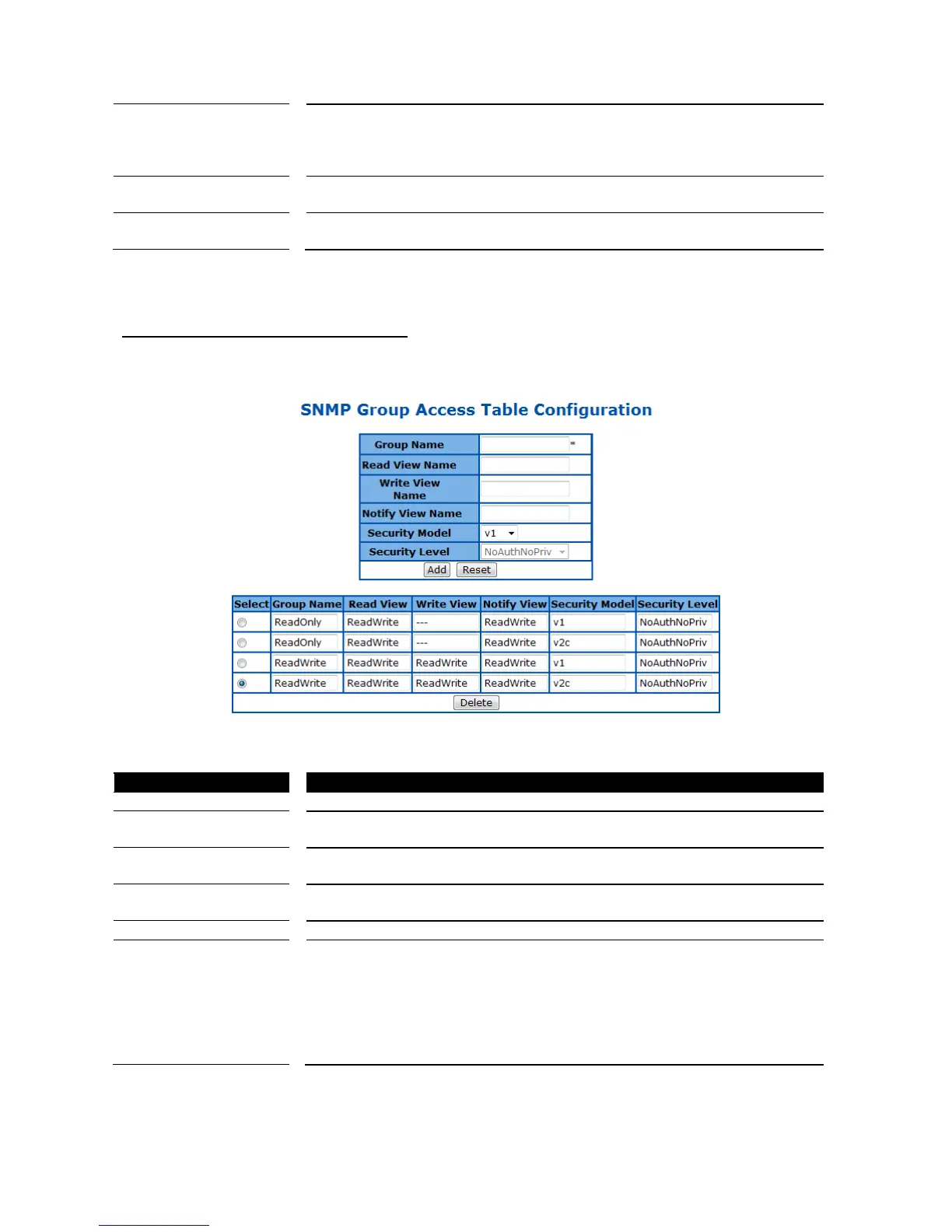
SNMP Group Access Table Configuration
This page is to configure the access settings of a SNMP group.
Figure 15 – System > SNMP > Group Access Table
Read View Name The name of group (view) has read privilege and is allowed to access the
specified MIB object groups.
Write View Name The name of group (view) has write privilege and is allowed to access the
specified MIB object groups.
The name of group (view) can receive SNMP Trap messages and is allowed
to access the specified MIB object groups.
Specify the SNMP version to be used, which can be v1, v2c, or v3.
Security Level Specify if authentication and encryption are needed for SNMP messages.
NoAuthNoPriv – Neither authentication or encryption is needed. It is the
default setting.
AuthNoPriv - Authentication is required for the SNMP messages. It is
selectable only when SNMPv3 is specified.
AuthPriv – Both authentication and encryption are required for the SNMP
messages. It is selectable only when SNMPv3 is specified.
Click ADD to submit the changes and the Reset button will clear the information. Select and click Delete to
remove an existed entry.


 To Next Page