24-Port Gigabit Layer 2 Switch w/ 4 Shared Mini-GBIC Slots
6-15
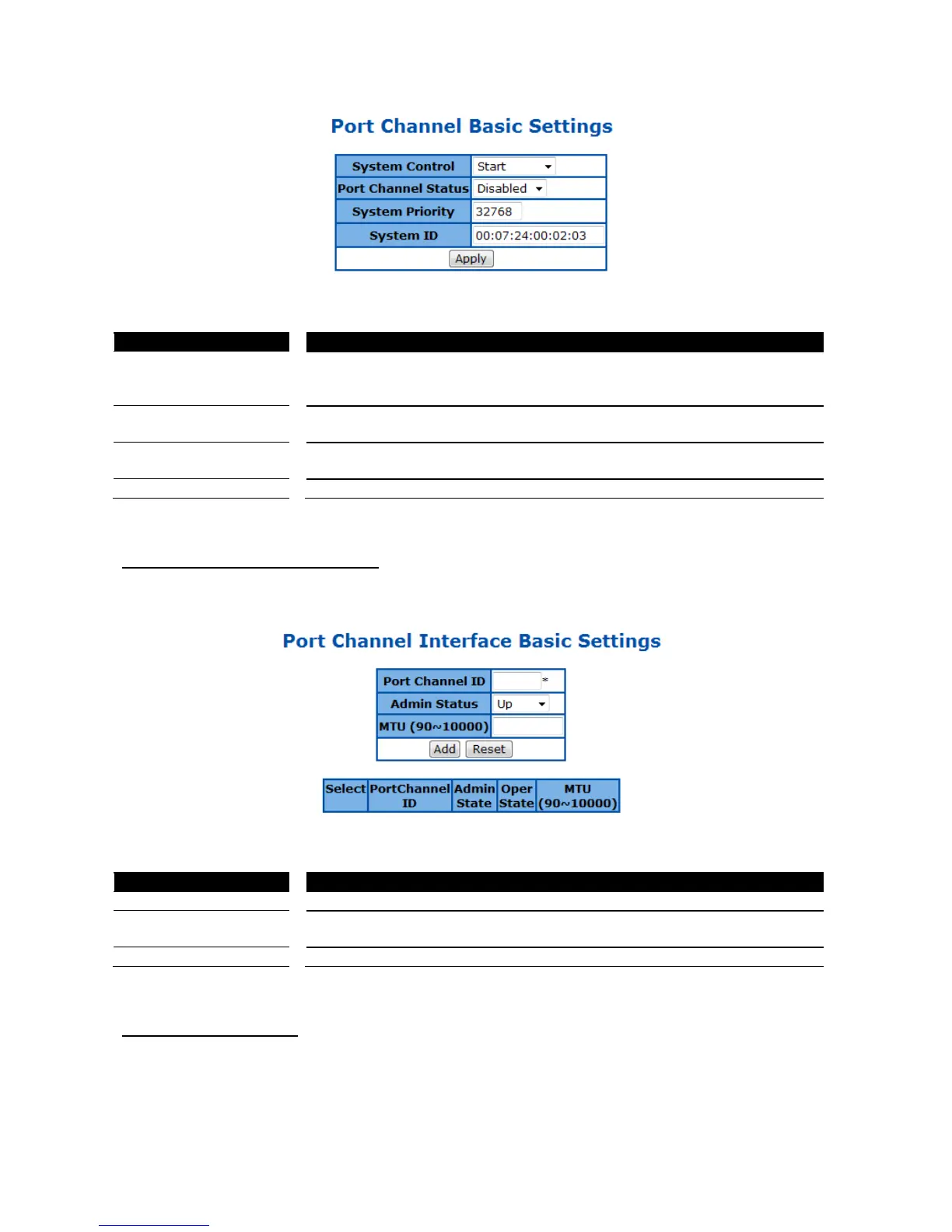
Figure 48 – Layer2 Management > LA > Basic Settings
System Control To activate or shutdown link aggregation function of the Switch. Select Start
to activate link aggregation function, Shutdown to shutdown it. Default is
LA Status To enable or disable the link aggregation function of the Switch. Select
Enabled to enable the LA function, Disabled to disable it. Default is Disabled.
System Priority To set the LACP priority of the Switch. Possible value is 0-65535. Default is
Specify the link aggregation system ID of the Switch.
Click Apply to submit the changes.
PortChannel Interface Basic Settings
This page is to configure details of a port channel.
Figure 49 – Layer2 Management > LA > Interface Settings
Specify the ID of port channel that will apply the changes.
To activate or shutdown a port channel interface. Select Up to activate it,
Down to shutdown it. Default is UP
Specify the Maximum Transmission Unit (MTU) frame size of the interface.
Click Add to submit the changes, Reset to clear the value.
LA Port Channel Settings
This page is to configure the details of a port channel.



 To Next Page