24-Port Gigabit Layer 2 Switch w/ 4 Shared Mini-GBIC Slots
6-24
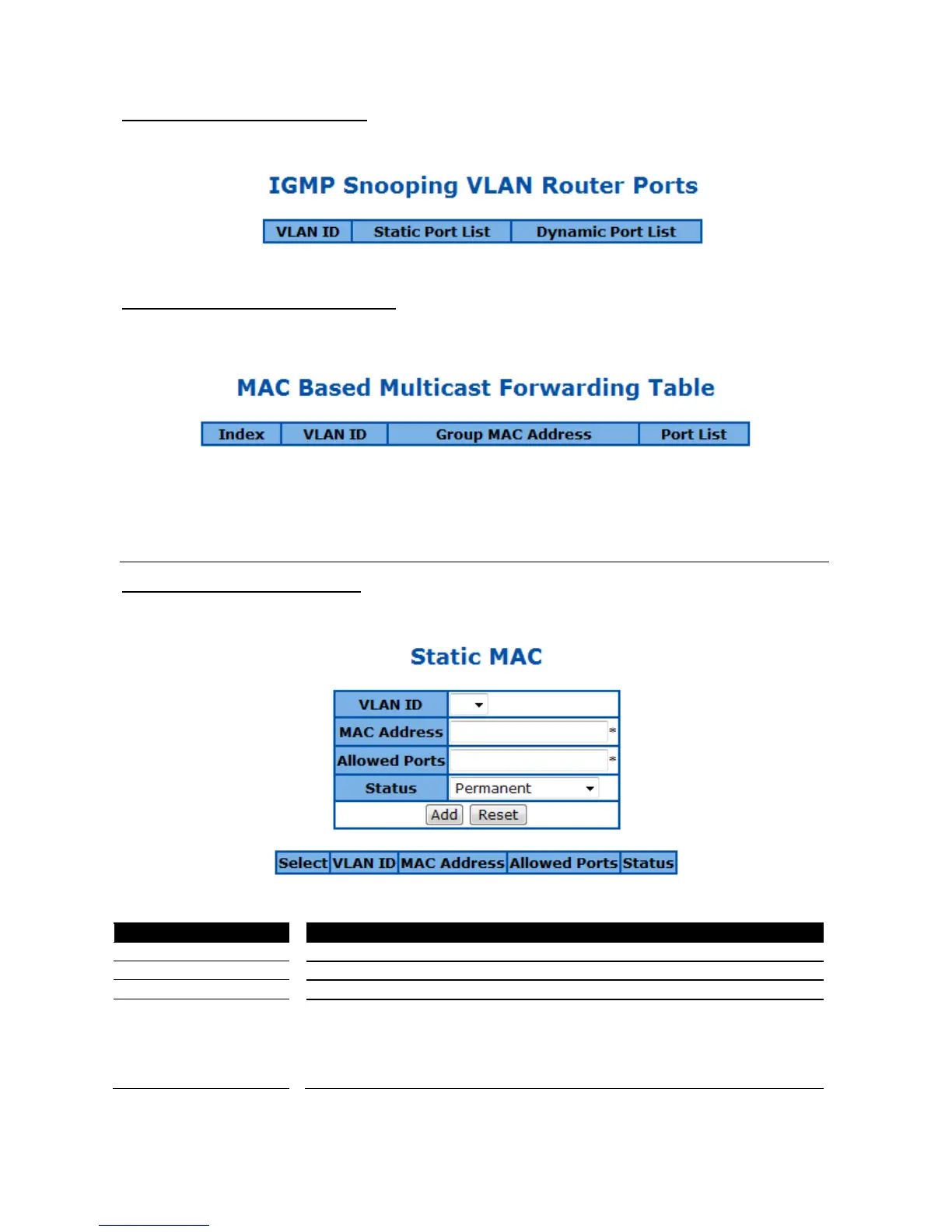
IGMP Snooping VLAN Router Ports
This page is to display the static and dynamic learned IGMP router ports of each VLAN.
Figure 62 – Layer2 Management > IGMP Snooping > Router Ports
MAC Based Multicast Forwarding Table
This page is to display the IGMP group MAC address was learned.
Figure 63 – Layer2 Management > IGMP Snooping > Group Information
Static MAC Entries
Static MAC Address Configuration
This page is to create or configure static unicast MAC address in the L2 forwarding database.
Figure 64 – Layer2 Management > Static MAC Entries > Unicast Entries
Specify the attribute of this static MAC. The options are:
Permanent - The static multicast will keep alive.
DeleteOnReset - The static multicast will be deleted after switch reset.
DeleteOnTimeout - The static multicast will be deleted when aging time out.



 To Next Page