24-Port Gigabit Layer 2 Switch w/ 4 Shared Mini-GBIC Slots
8-3
Priority 0~7 Specify which switch queue to map. The options are Class-0, Class-1,
Click Apply to submit the changes.
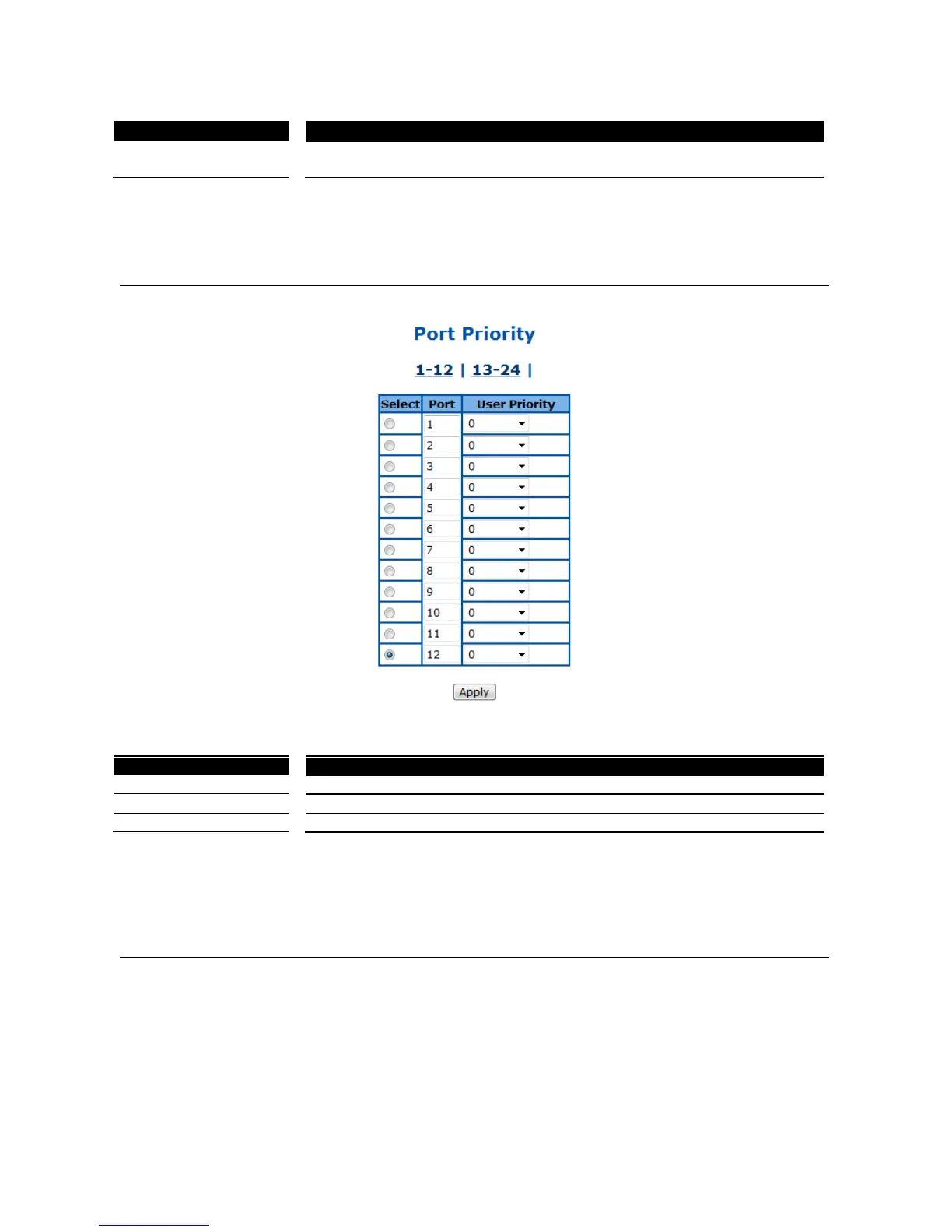
802.1p Port Priority
This page is to configure the 802.1p priority for untagged packets receive from each port.
Figure 75 – QoS > Port Priority
Select a port to submit the configuration changes.
Specify 802.1p priority of untagged packets.
Click Apply to submit the changes.
Click 1-12, 13-24 to configure port priority for corresponding ports.
DSCP Queue Mapping
This page is to enable/configure the DSCP and queue mapping.



 To Next Page