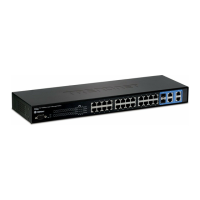
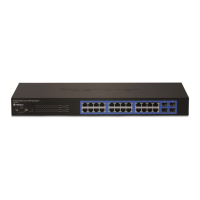
24-Port Gigabit Layer 2 Switch w/ 4 Shared Mini-GBIC Slots
44-4
Command
show interface mtu [{ Vlan
<port-channel-id (1-65535)> | <interface-type>
Specify which interface to show the mtu setting.
Interface-type including Fa (Fast Ethernet) or Gi (Gigabit
Ethernet).
Interface-id is slot/port number.
Command Modes Privileged EXEC Mode
User Guidelines System will display MTU settings for all interface when executing the command
without given parameters.
show interface mtu fa 0/1
Command History Version History
1.00.001 This command was introduced.
show interfaces counters
To display the statistics of interfaces.
<interface-type> <interface-id>
interface-type
interface-id
Specify the counter information of
display.
Interface-type including Fa (Fast Ethernet), Gi (Gigabit
Ethernet) or port-channel.
Interface-id is slot/port number or port-channel ID.
System will display statistics for all interfaces when executing the command
without interface-type and interface-id.


 To Next Page