24-Port Gigabit Layer 2 Switch w/ 4 Shared Mini-GBIC Slots
8-2
Ingress RateLimit
(0,64~1000000 Kbps)
Specify the traffic Kbit per second is allowed to be transmitted for an ingress
Egress RateLimit
(0,64~1000000 Kbps)
Specify the traffic Kbit per second is allowed to be transmitted for an egress
Click Apply to submit the changes.
Click 1-12, 13-24 to configure rate limiting for corresponding ports.
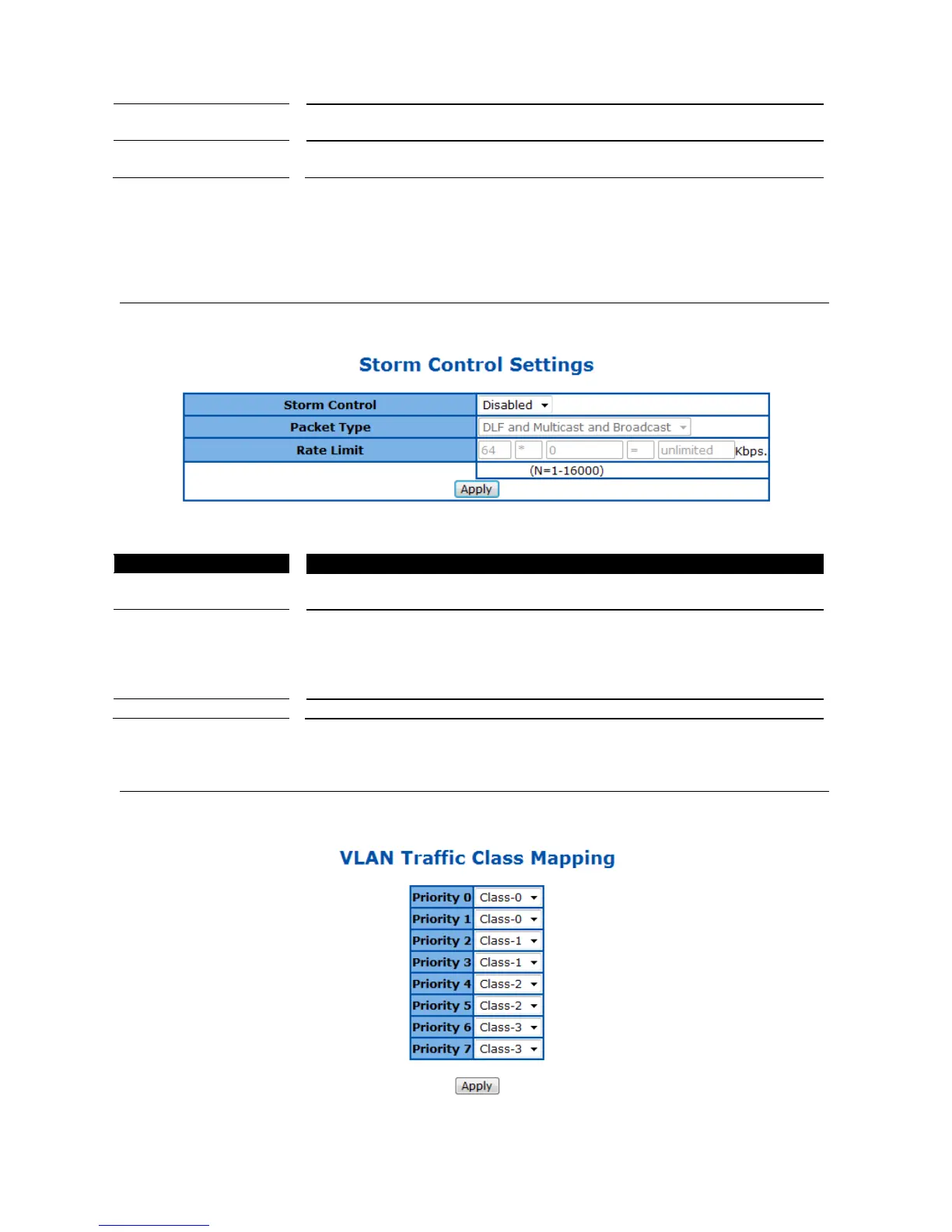
Storm Control Settings
This page is to configure the storm control function of the device.
Figure 73 – QoS > Storm Global Settings
To activate or shutdown storm control function of the Switch. Select
activate link aggregation function, Disabled to shutdown it. Default is Start.
Specify which kind of packets to be controlled. The options are:
Broadcast only - Control broadcast packets only.
Multicast and Broadcast - Control both multicast and broadcast packets.
DLF and Multicast and Broadcast - Control Destination Lookup Failed
unicast, multicast and broadcast packets.
Specify the maximum packet rate is allowed per second.
802.1p Queue Mapping
This page is to configure the 802.1p priority and queue mapping.
Figure 74 – QoS > 802.1p



 To Next Page