4 Software
Note – If the instrument has not been initially leveled (the bubble is yellow in the Leveling window)
or when it has been leveled (the bubble is green) but the Compensator is disabled , the IH icon
is grayed out.
Note – If you turn off the instrument or remove the USB drive from the instrument after a scan the
Measurement method and the value you entered for the Instrument height are not saved in the
project file. When you load that scan, the Instrument height dialog appears showing only the
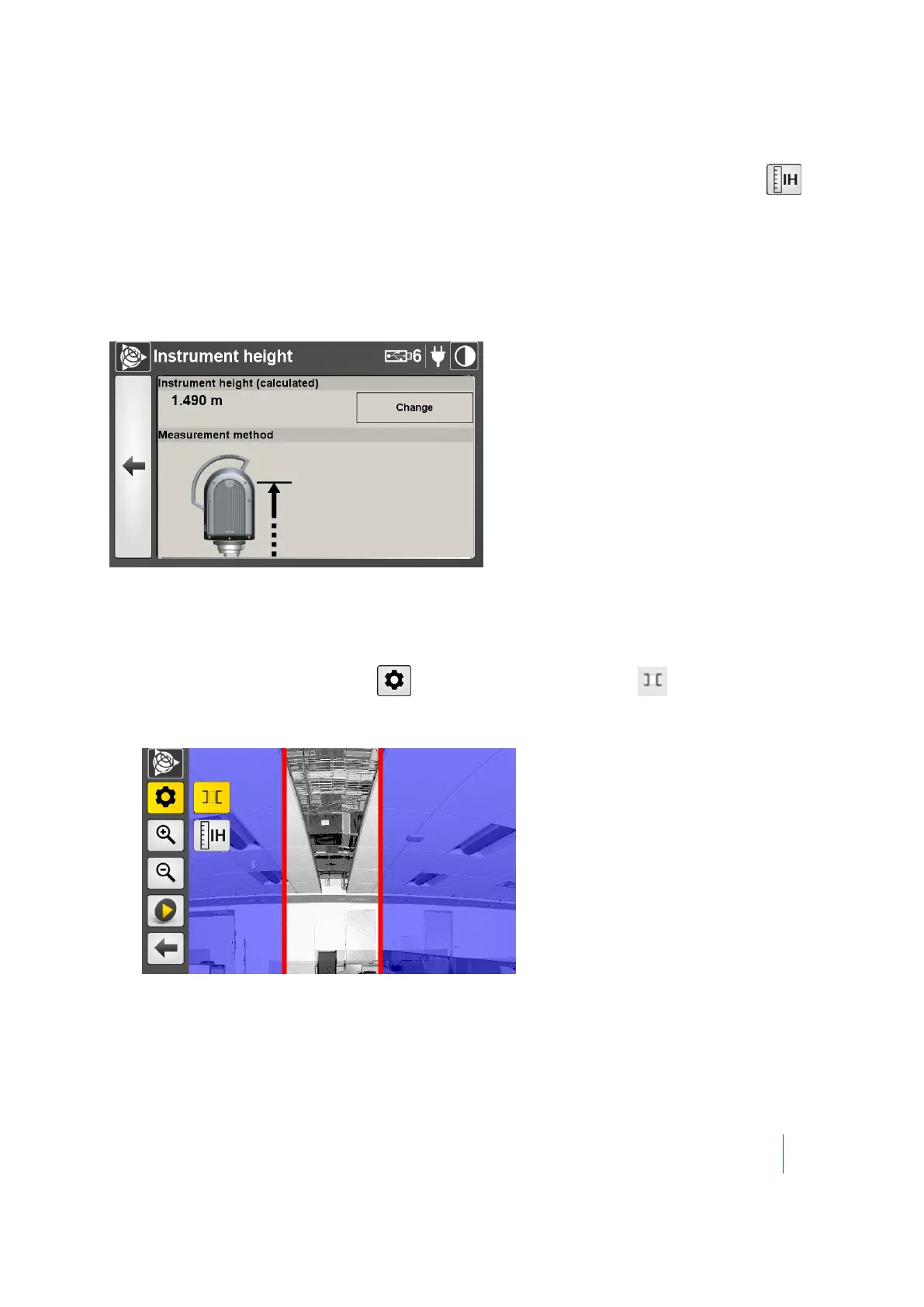
calculated value and the true height (the height from the point on the ground to the center of the
instrument), as shown below.
Acquiring an area scan
You can only add an area scan to the last scan.
1.
From the scan display screen, tap and then tap the Area Scan icon . The Area Scan
icon is highlighted in yellow and two vertical red lines show the boundary of the area to be
scanned:
The default size of the scan area is one-third the size of the Full scan display. Areas that are
shaded blue are not scanned.
Trimble TX8 3D Laser Scanner User Guide 63



 To Next Page