87
87
Odometer
• (Odo meter) displays the total distance covered
by the vehicle.
- The reading is saved permanently and cannot
be reset under any circumstances.
- If the travelled distance exceeds 999999
km, the value ‘99999.9’ will be displayed
permanently.
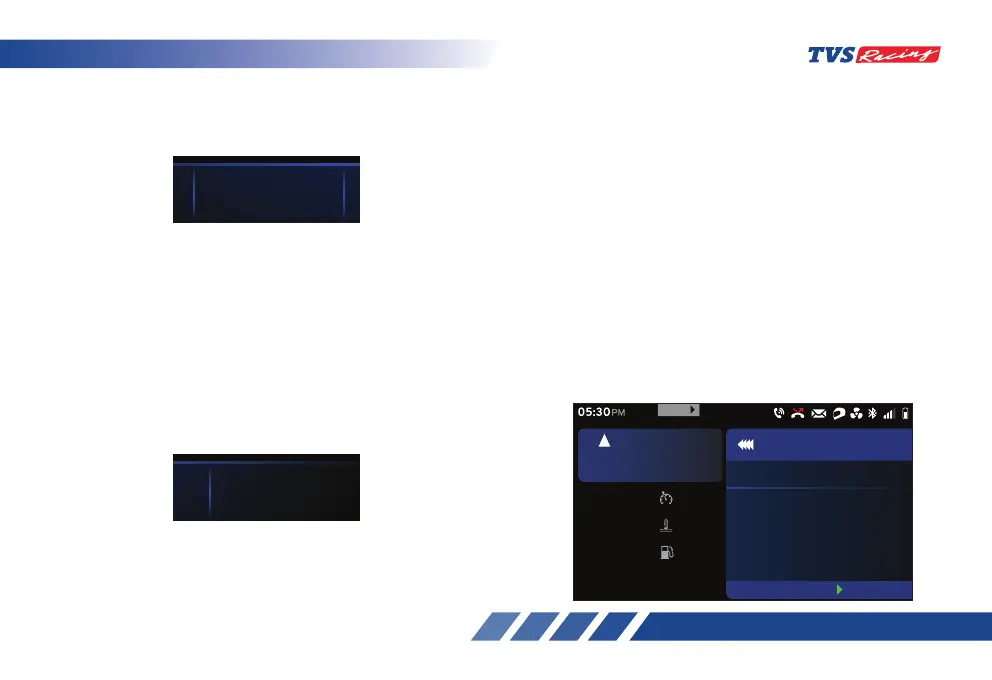
Lap Timer
• Press the pass-by switch (ref. Fig. 10) for about
2 seconds to trigger lap counter. The lap timer
widget will show the current lap time.
- To end the current lap and start new lap,
press the pass-by switch again.
- To stop the lap counter, long press the pass-
by switch for more than 2.5 secs. The lap
timer widget then shows the last lap time.
- This widget displays the current lap time and
once the current lap is stopped then the last
recorded time will be displayed.
- Each lap must have a minimum duration of
10 secs.
- The connected TFT instrument cluster can
store a maximum of 10 laps along with the
date and time when the lap was triggered.
- ‘Best lap’ duration is shown based on the
10 lap durations stored and it will be displayed
in the menu under ‘Performance record’.
3940
123245
2.8
60
r
p
m
x
1
0
0
0
KILL SWITCHKILL SWITCH
SIDE STANDSIDE STAND
LOW FUELLOW FUEL
LOW BATTERYLOW BATTERY
km/h
5
0
45 6781091112
1
2
TOP SPEED(
km/h)
ODO(
km
)
TYRE PRESSURE(
psi
)TRIP A(km)
Set
km/h
60
oc
Coolant Temp
30
km
Range
30
rpm
6700
5
km/h
URBAN
05:30
PM
Laps
BEST LAP
LAPS -
Reset
999
MENU
31.355.6
0:00.0045.5
60
r
p
m
x
1
0
0
0
KILL SWITCH
km/h
5
0
45 6781091112
1
2
TRIP C(km)TRIP B(km)
LAP TMR(
mm:ss.ms













 To Next Page