your position is our focus
6.3 System Sensitivity Test
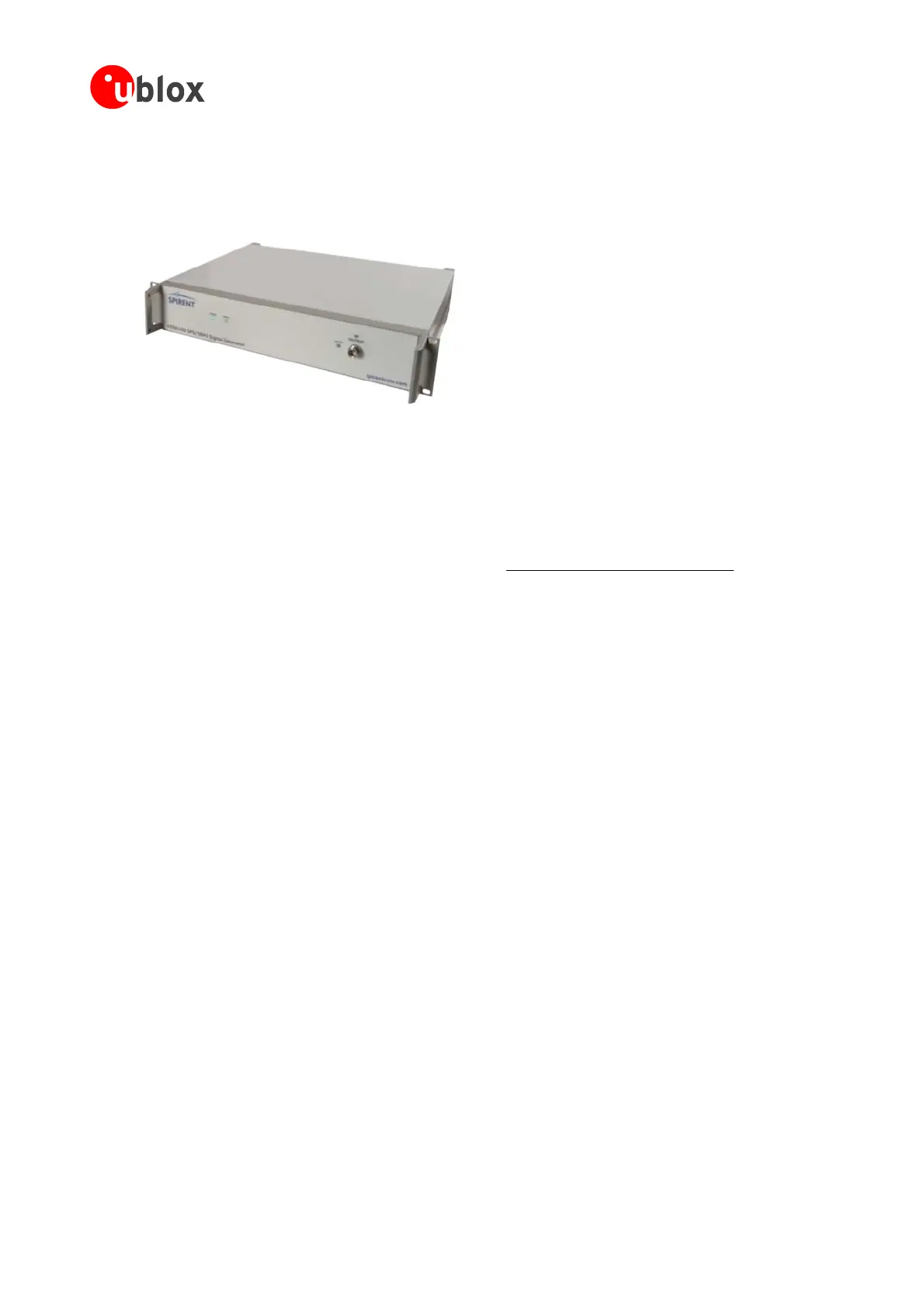
The best way to test the sensitivity of a GPS device is with the use of a 1-channel GPS simulator. It assures
reliableandconstantsignalsateverymeasurement.
Figure 104: 1-channel GPS simulator
u-blox mmendsthefollowingSingle-ChannelGPSSimulator:
GSS6100
CommunicationsPositioningTechnology
reco
•
Spirent
Spirent
(previouslyGSSGlobalSimulationSystems) www.positioningtechnology.co.uk
3. PoweruptheDUT(DeviceUnderTest)andallowenoughtimefortheacquisition
4. ReadtheC/Novaluefrom
theNMEAGSVortheUBX-NAV-SVINFOmessag (e.g.withu-centerAE)
5. Reducethepowerlevelby10dBandreadtheC/Novalueagain
6. Comparetheresultstoa“GoldenDevice”oranANTARIS
®
4GPSEvalKit.
6.3.2 ‘Go/No go’ tests for integrated devices
osition with excellent visibility (HDOP < 3.0). Let the
ngthwitha“GoldenDevice”.
Note Astheelectro-magneticfieldofaredistributionantennaisnothomogenous,indoortestsareinmost
cases not reliable. These kind
of tests may be useful as a ‘go/no go’ test but not for sensitivity
measurements.
6.3.1 Guidelines for Sensitivity Tests
1. Connecta1-channelGPSsimulatortotheOEMproduct
2. Choosethepowerlevelinawaythatthe“GoldenDevice”wouldreportaC/Noratioof45dBHz
e
The best test is to bring the device to an outdoor p
receiveracquiresatellitesandcomparethesignalstre
GPSModules-SystemIntegrationManual(SIM)(incl.ReferenceDesign) ProductTesting
GPS.G4-MS4-05007-A1
Page 134



 To Next Page
 Loading...