UAV-1004234-001, AV-30-E Installation Manual 84
Rev H
Display the SVS Bug
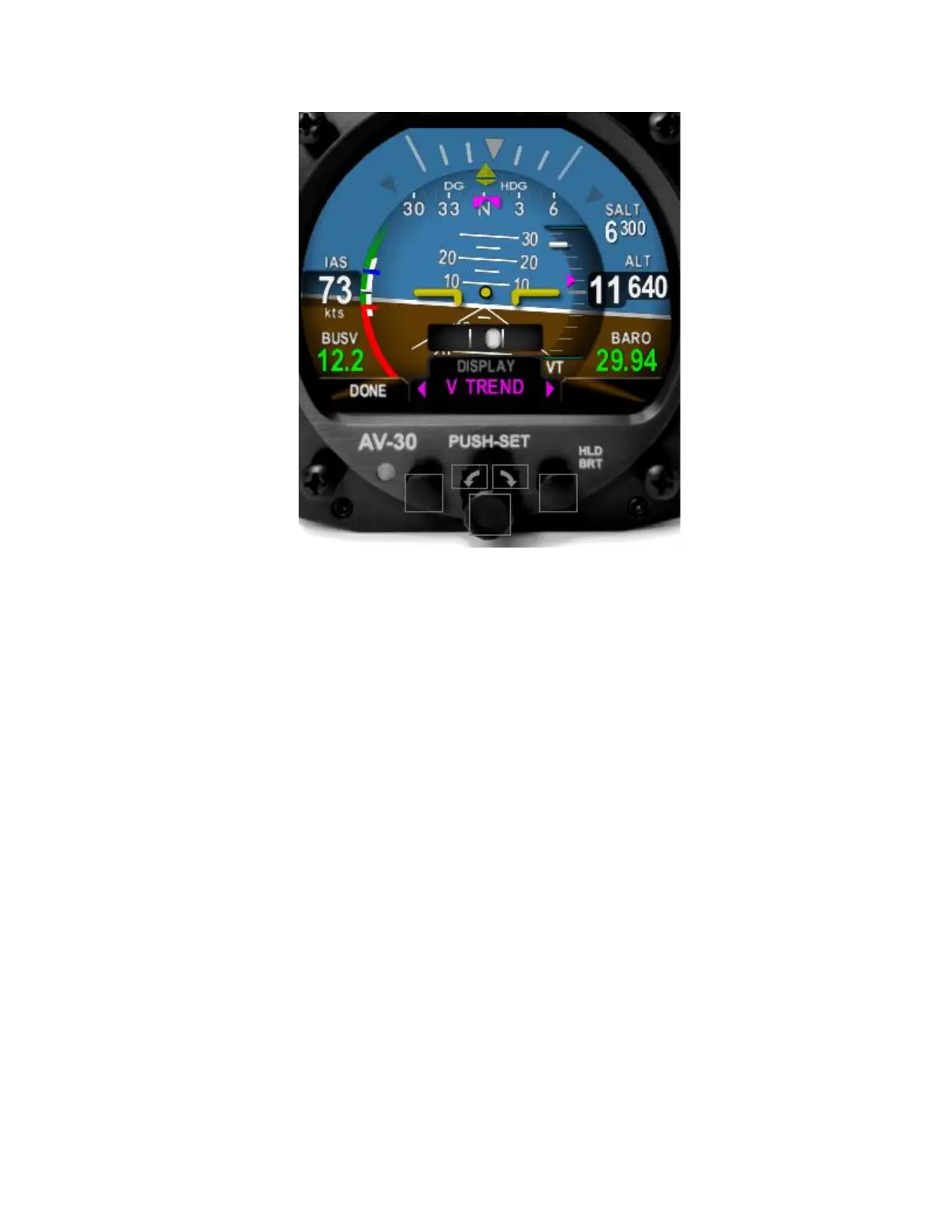
• clockwise 4 clicks to
select and enable the Vertical Trend indicator on the right side of
the inner circle
• Press and release the center knob
•
• Press and release the center knob to save the selection
•
Engage the Autopilot
• To enable the connection to the autopilot, push and release the
center knob until the Rotate the
knob clockwise to select the HDG BUG mode.
• The AV-30 is now sending serial data to the autopilot.
• Engage the autopilot .
AeroCruze verification steps



 To Next Page