multiMATIC 700/2
Notes
10/2015 40 Training 0020228700_00
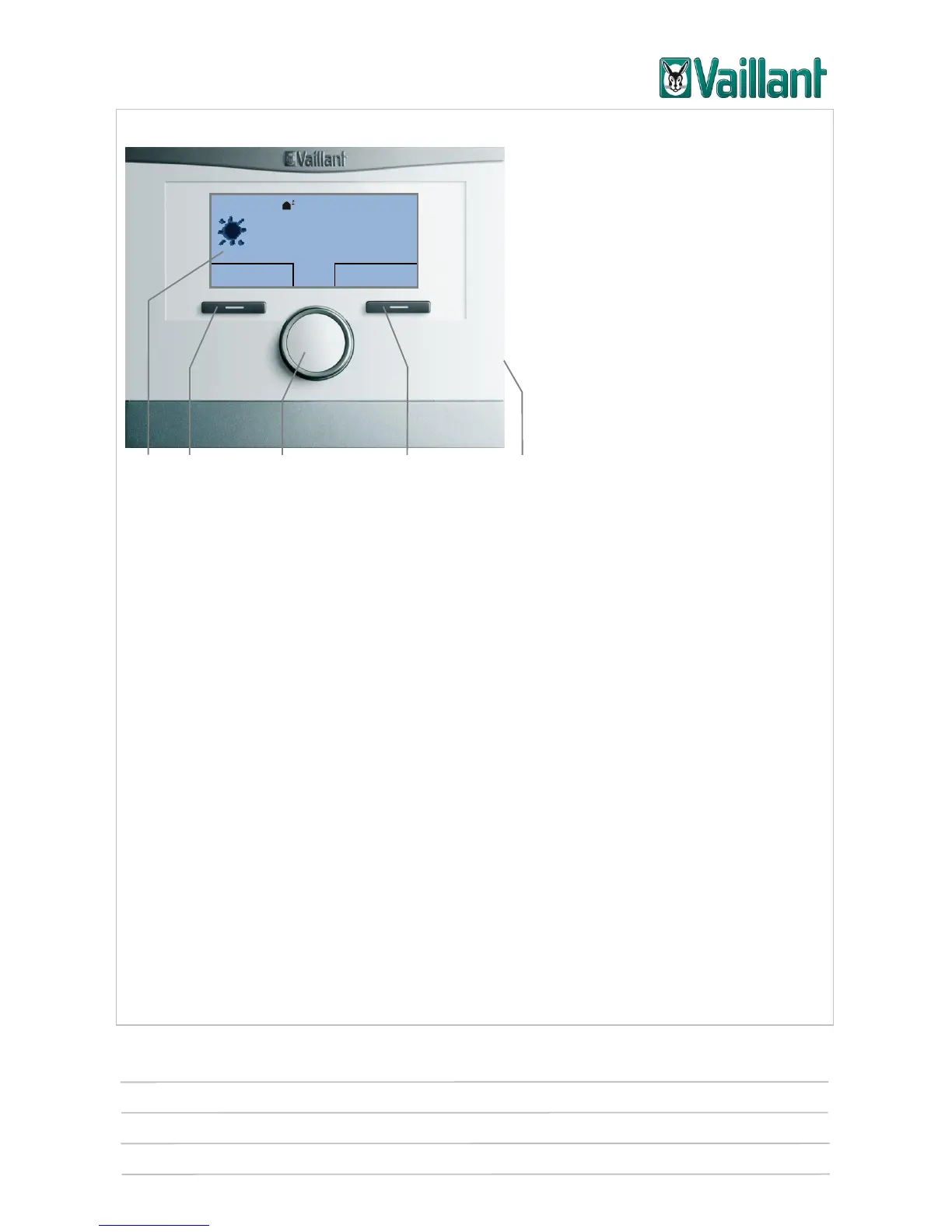
4.2 Using the controller
5 4 3 2 1
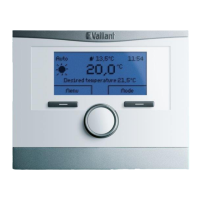
Operating and display front panel
Key
1 Diagnostic socket for the competent person
2 Right-hand selection button for "Operating mode" (soft key function)
3 Rotary knob (cannot be pressed)
4 Left-hand selection button for "Menu" (soft key function)
5 Display
You can use the selection buttons to
navigate to one selection level lower or higher within the program structure,
highlight a setting,
confirm a set value,
activate an operating mode directly, or
cancel the change to a set value.
You can use the rotary knob to
navigate to the left or right through the entries on a selection level, by turning to the
left or right,
highlight a selection level or a setting, or
change a selected set value.











 To Next Page