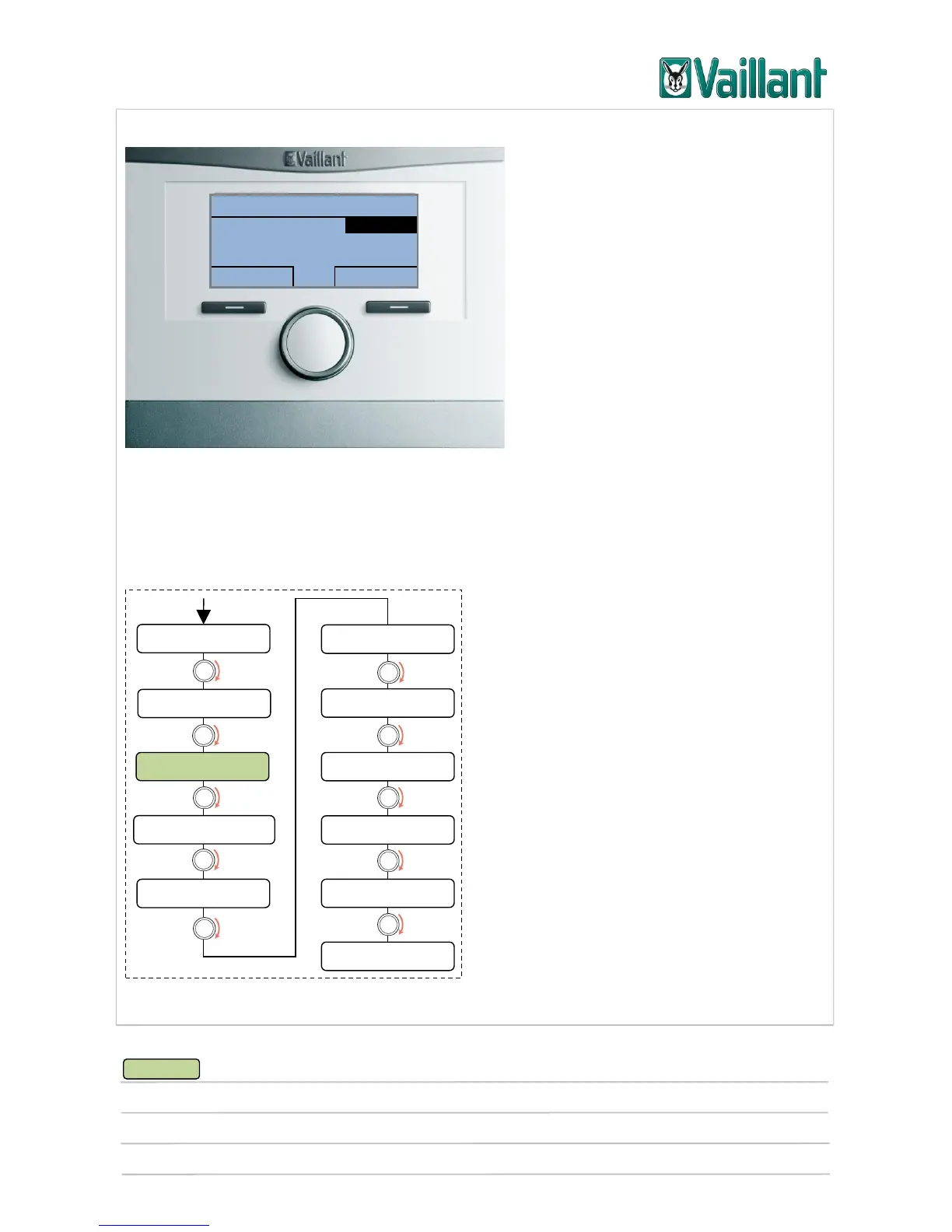
multiMATIC 700/2
Notes
10/2015 43 Training 0020228700_00
4.4.1.2 Setting/changing the operating mode
Operating mode selection menu
Pressing the right-hand selection button in the basic display will call up the operating
mode menu on the display. This contains setting options to enable the user to operate
the system efficiently in different day-to-day situations.
*1)
Off, Auto, Day, Set-back
*2)
Off, Auto, Day
*3)
Auto, Day, Set-back
*4)
Off, Auto, Day
Menu structure










 To Next Page