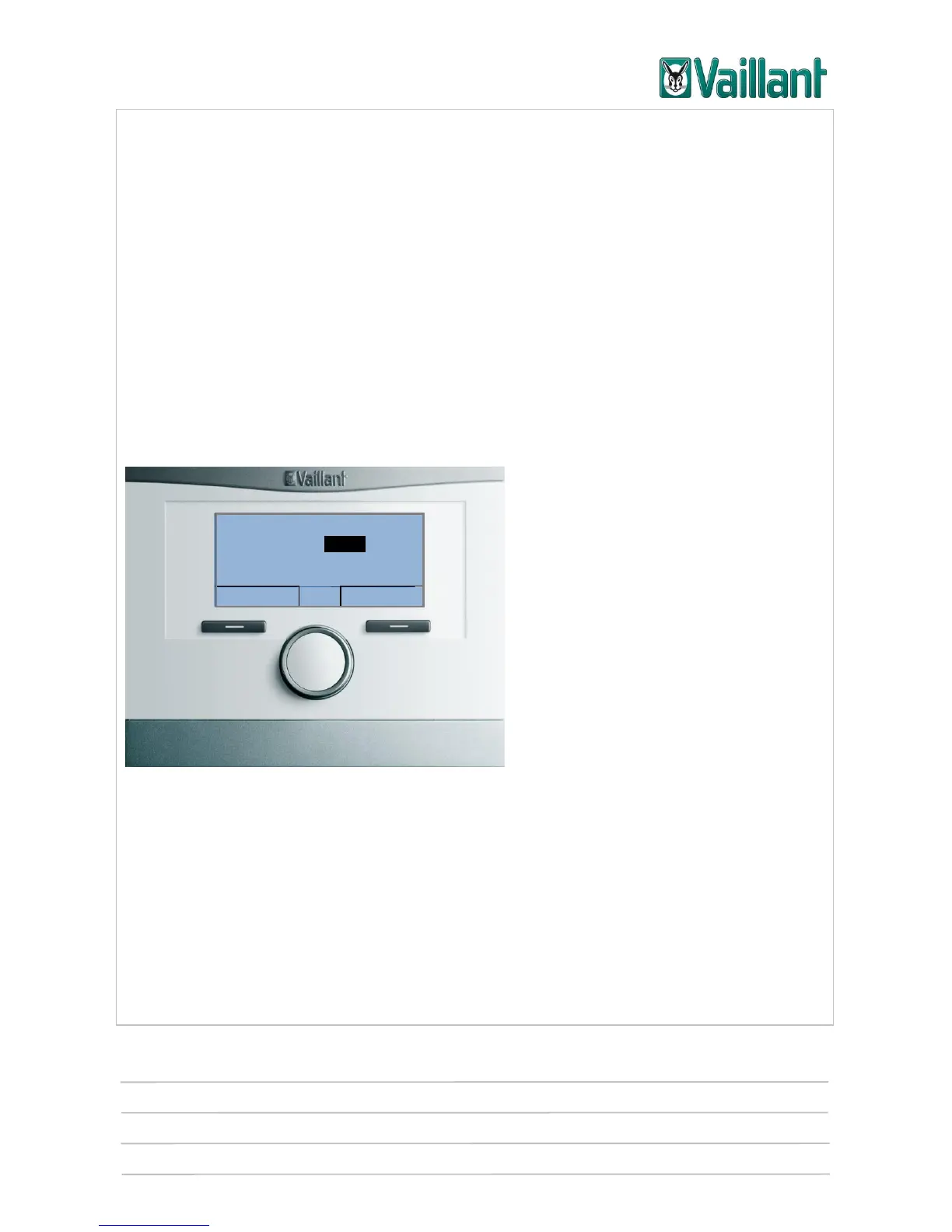
multiMATIC 700/2
Notes
10/2015 42 Training 0020228700_00
4.4 Controller settings
The following information explains the operating concept of the controller. It will show
how easy it is to operate the controller, the functions of which are divided up according
to the following customer groups: Basic users, technically experienced users and com-
petent persons.
Controller operation is therefore divided up into the following three user-specific levels:
1. Basic user: Current desired temperature and operating modes.
2. Technically experienced user: Basic controller configuration.
3. Competent person: Installer level.
4.4.1 Operating level 1 (basic user)
4.4.1.1 Setting/changing the desired temperature
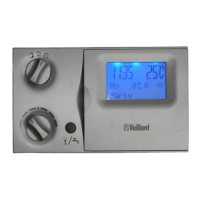
Display
Turn the rotary knob clockwise or anti-clockwise to switch on the background lighting.
The basic display will disappear and a request will appear asking whether you wish to
change the desired temperature for the current operating mode only or whether you
wish to keep it permanently. The display switches back to the basic display after 12
seconds. The temperature you have set will be applied without you having to save it
again and will be valid for six hours.










 To Next Page