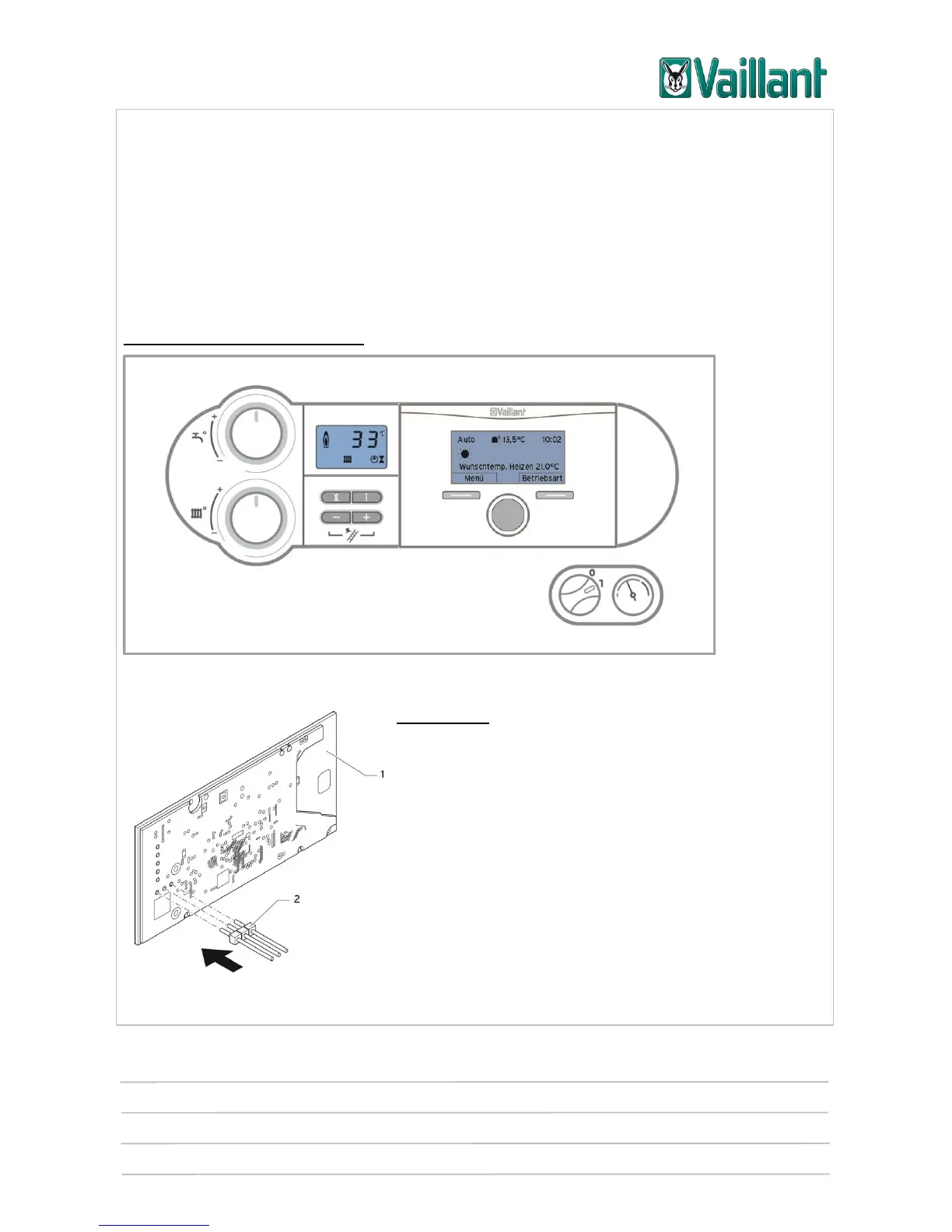
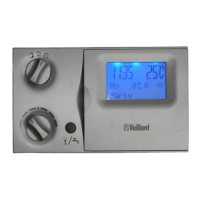
multiMATIC 700/2
Notes
10/2015 85 Training 0020228700_00
5 Installation, start-up
As a general principle, the instructions and information – in particular safety instruc-
tions – from the relevant installation instructions must be observed.
5.1 Installation
5.1.1 Installing the controller in the unit electronics box
First check the switch cabinet type:
Old type of electronics box:
ecoTEC plus unit electronics box with multiMATIC 700/2
Installation:
● Insert the short ends of the three-pin plug con-
nector (2) included with the controller into the three
horizontal openings on the controller's PCB (1).
● Carefully push the controller with the plug con-
nector into the plug-in connection on the electronics
box.
Rear view of multiMATIC 700/2










 To Next Page