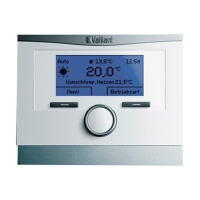
multiMATIC 700/2
Notes
10/2015 56 Training 0020228700_00
4.4.2.7 Basic settings
The following languages can be configured in the controller: DE, GB, FR, IT, DK, NL,
ES, TR, HU, RU, UA, EE, LV, LT, SE, NO, PL, CZ, HR, SK, RO, SI, KR
If the display language is erroneously set to one the user is unable to understand, the
following instructions can be used to reset to the local language:
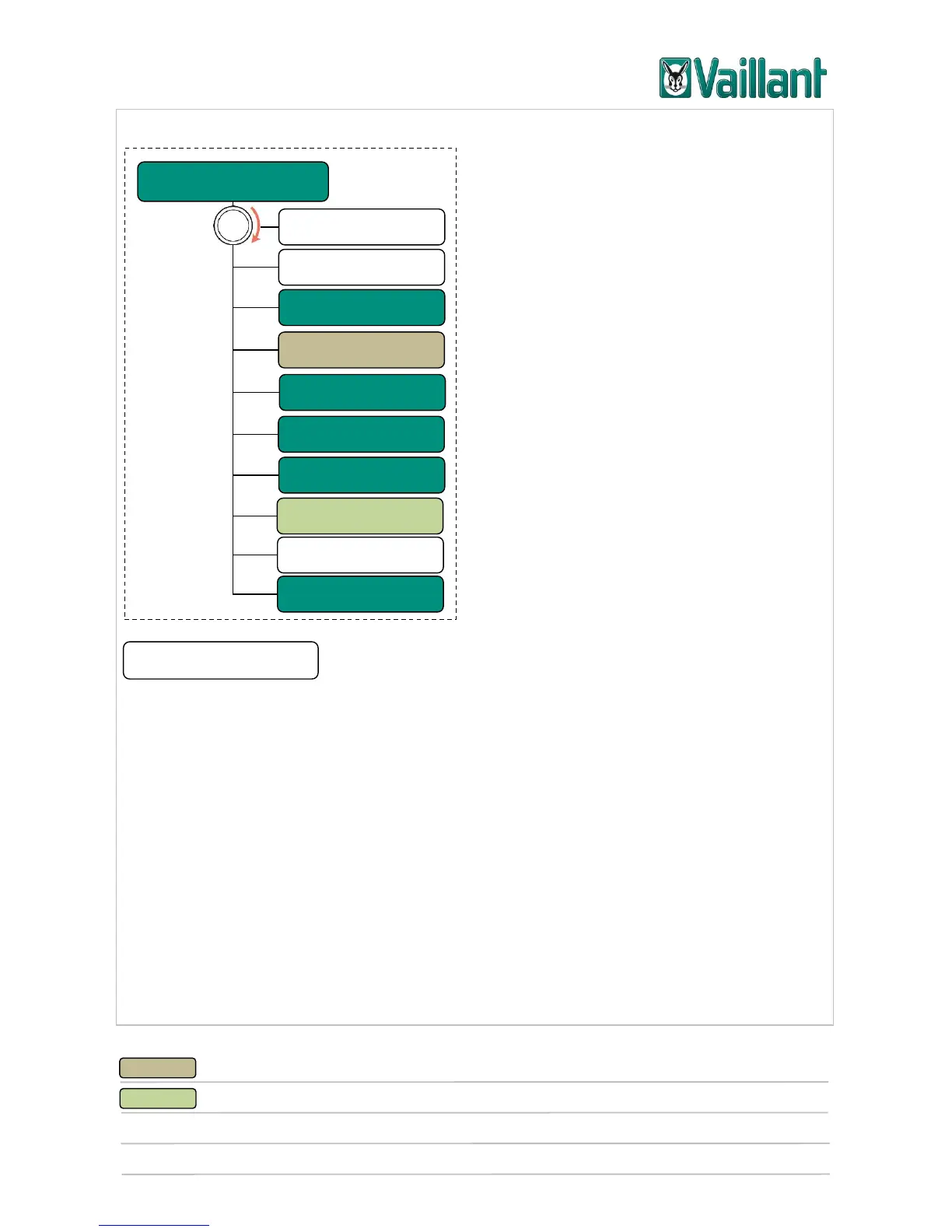
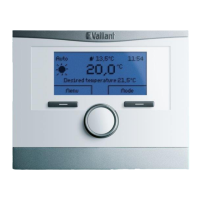
Press the left-hand selection button repeatedly until the basic display appears.
Press the left selection button again.
Turn the rotary knob to clockwise until the second entry above the dotted line is
highlighted.
Press the right selection button twice.
Turn the rotary knob until you find a language that you understand.
Press the right selection button.











 To Next Page