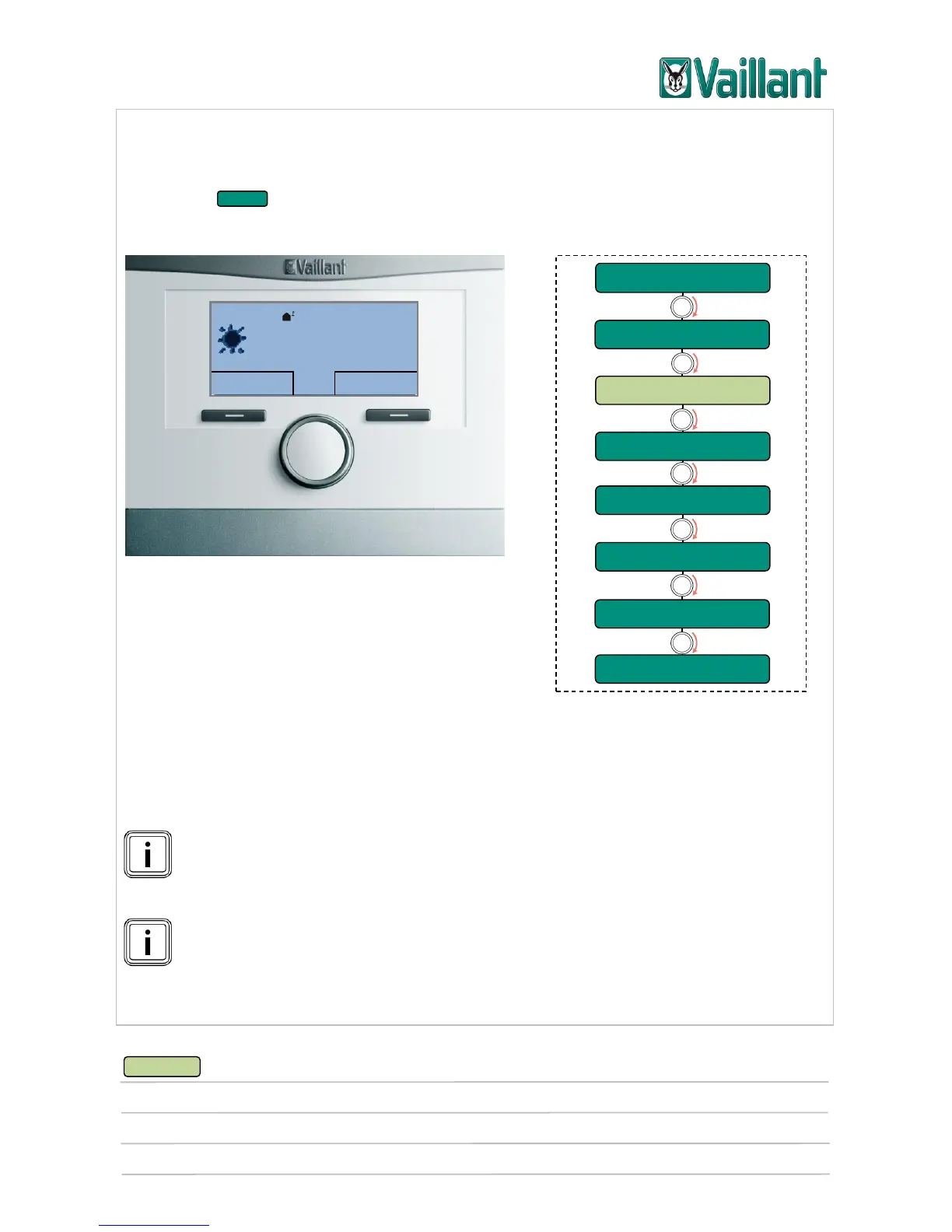
multiMATIC 700/2
Notes
10/2015 48 Training 0020228700_00
4.4.2 Basic controller configuration (level 2)
General information about reading the following menu trees
The menu items with the background contain further information that can be
called up by pressing the selection buttons.
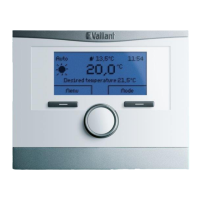
Basic display
With the Menu button, you can:
read off information,
set system-specific values such as time pro-
grammes,
set and apply basic settings that are reserved for technically experienced users.
Settings are normally applied by the competent person. The last sub-item provides
access to the installer level (level 4), which is protected by a 3-digit code. The code
set in the factory is: 000.
The number of values displayed/that can be changed depends on whether ac-
cessories such as the VR 70, VR 71 module or the VR 91 remote control are
connected.
Accessories connected via eBUS also have an effect on the number of values
displayed/that can be changed.











 To Next Page