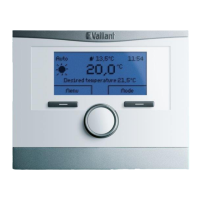
multiMATIC 700/2
Notes
10/2015 41 Training 0020228700_00
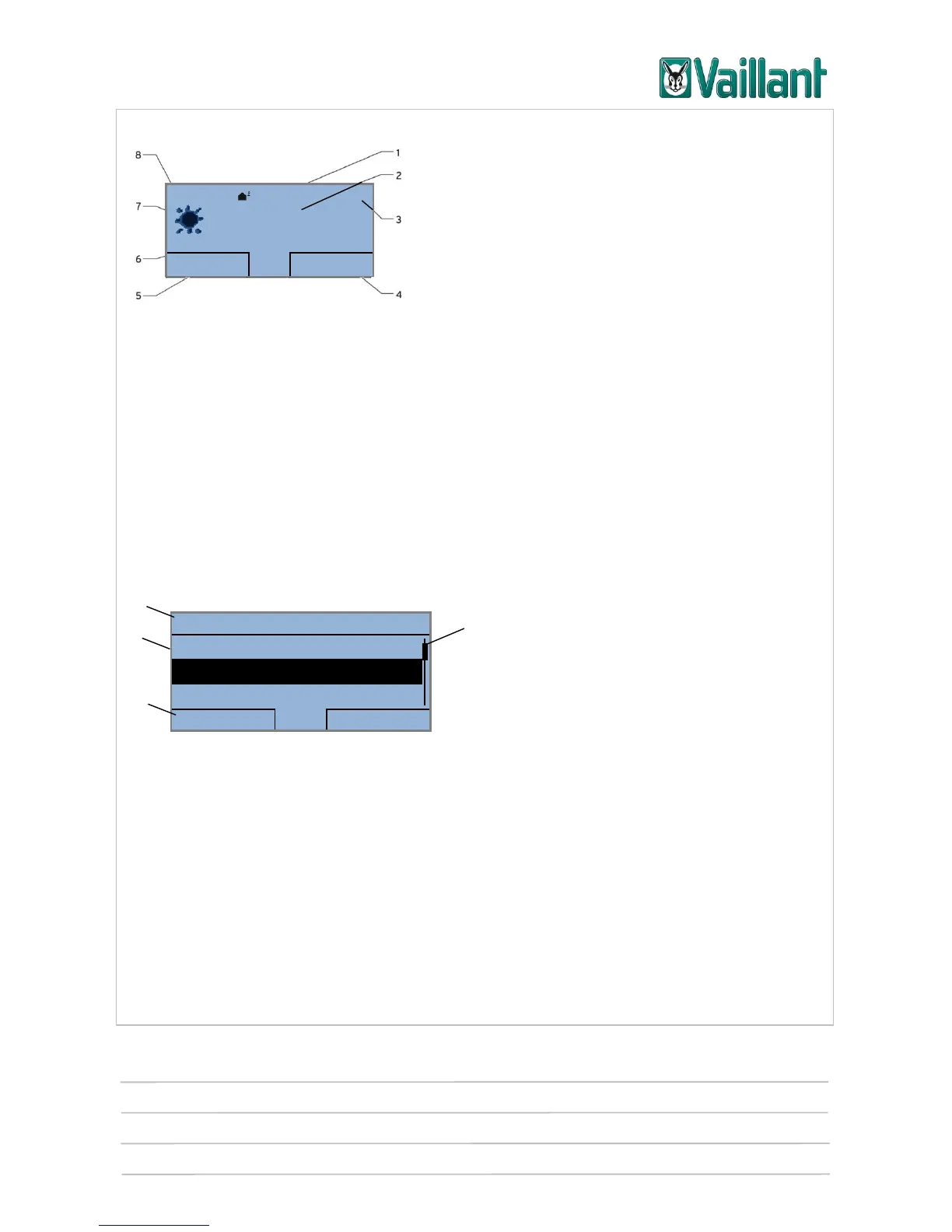
4.3 Displays/indicators
Basic display
Key
1 Current outside temperature
2 Current room temperature (only shown for wall-hung installations)
3 Time
4 Current function of the right-hand selection button
5 Current function of the left-hand selection button
6 Desired temperature (target room temperature set)
7 Symbol for heating mode in "Auto" operating mode
8 Operating mode that has been set for heating
4.3.1 Menu display
Menu display
Key
1 Scroll bar (appears when there are more entries than can be shown)
2 Display field of the executable functions via the selection buttons
3 Display field in which the following information can be displayed: The next selection levels, settings, sys-
tem data or fault messages
4 Display field in which the following information can be displayed: The current selection level, basic data,
activated advanced functions or maintenance messages
Desired heating temp. 23.0 °C










 To Next Page