2500 Automatic Tank Gauge
14 Installation and Operations Manual
Table 4: Cone Roof Tank with Internal (Floating Roof) Pan and Floatwell — Installation Checklist
Cone Roof Tank and Internal (Floating Roof) Pan: No Floatwell
Order Code T07, T17
Installation parts supplied include:
• 90° Elbow assembly (x2)
• Gauge 'U' bolt kit
• Support bracket (x6)
• gauge head and tape/cable
• Tape cable connectors
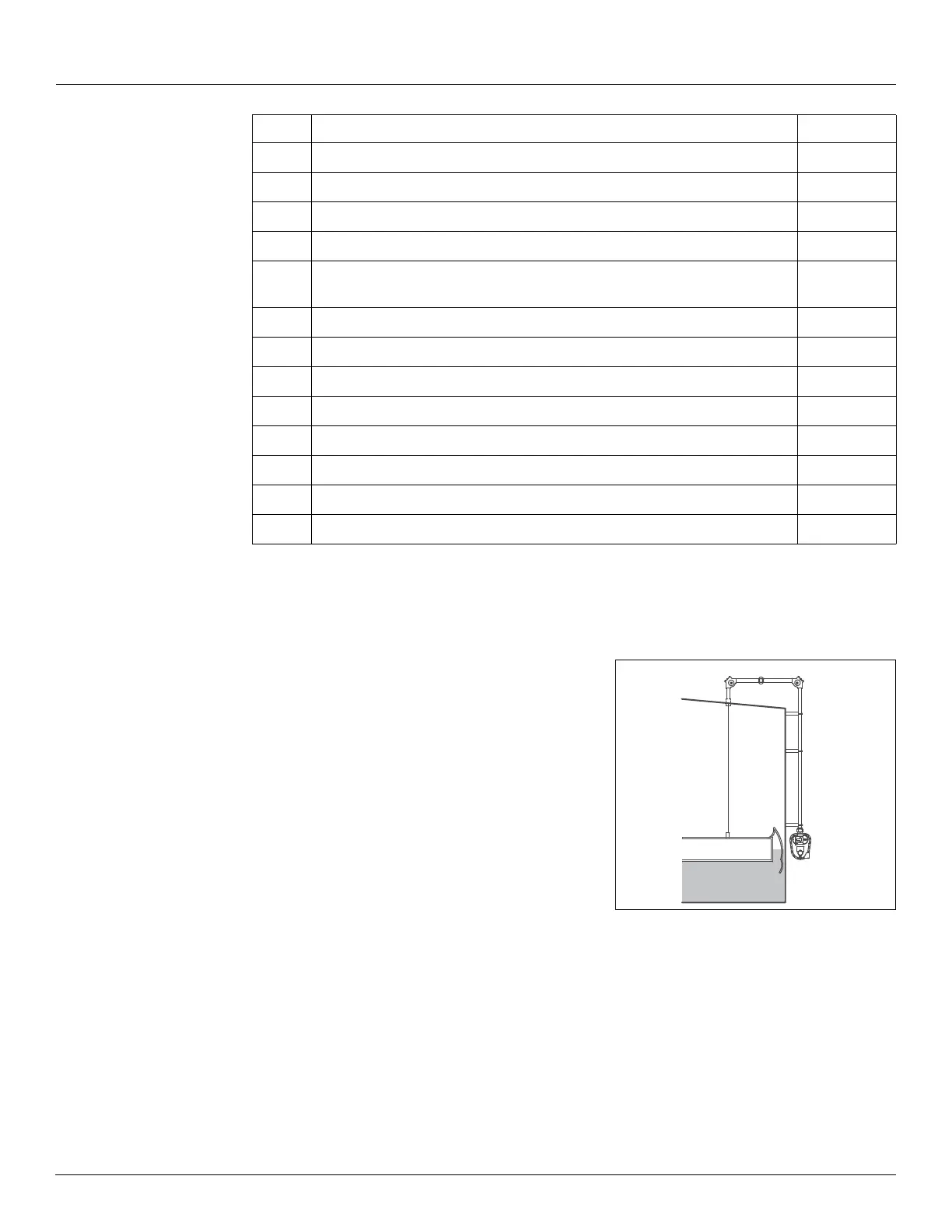
Figure 8: Cone Roof Tank and Internal (Floating Roof)
Pan: No Floatwell Installation
Installation Checklist
When installing a 2500 ATG system on a Cone Roof Tank and Internal (Floating Roof) Pan
without a Floatwell, complete each installation step below. Check off a step when it is
complete. Refer to “Installation Schematics” on page 21 for overall dimensions.
Note Due to the resulting gross measurement inaccuracies, Varec does not recommend
that the perforated tape/tape cable be attached directly to a floating pan. Use a covered
floatwell for the best measurement accuracy.
Step Description Complete
1
“Tank Roof Entry - Internal Pan (Floating Roof)” on page 24
2
“Installing Support Brackets & Pipework” on page 27
3
“Installing a Gauge Head at Grade Level” on page 28
4
“Float installation on an Out-of-Service Tank” on page 30
5
“Connecting the Tape to a 6" Interface Float in an 8" Stilling Well” on
page 33
6
“Feeding the Tape to a Gauge Head Located at Grade Level” on page 34
7
“Install Tape in the Gauge Head” on page 35
8
“Trimming the Cable at the Float in a Floatwell” on page 39
9
“Reset the Counter” on page 40
10
“Calibrate the Counter” on page 41
11
“Initial Lubrication” on page 42
12
“Install a Transmitter and Replace all Covers” on page 42
13
“Initial Operation” on page 43


 To Next Page