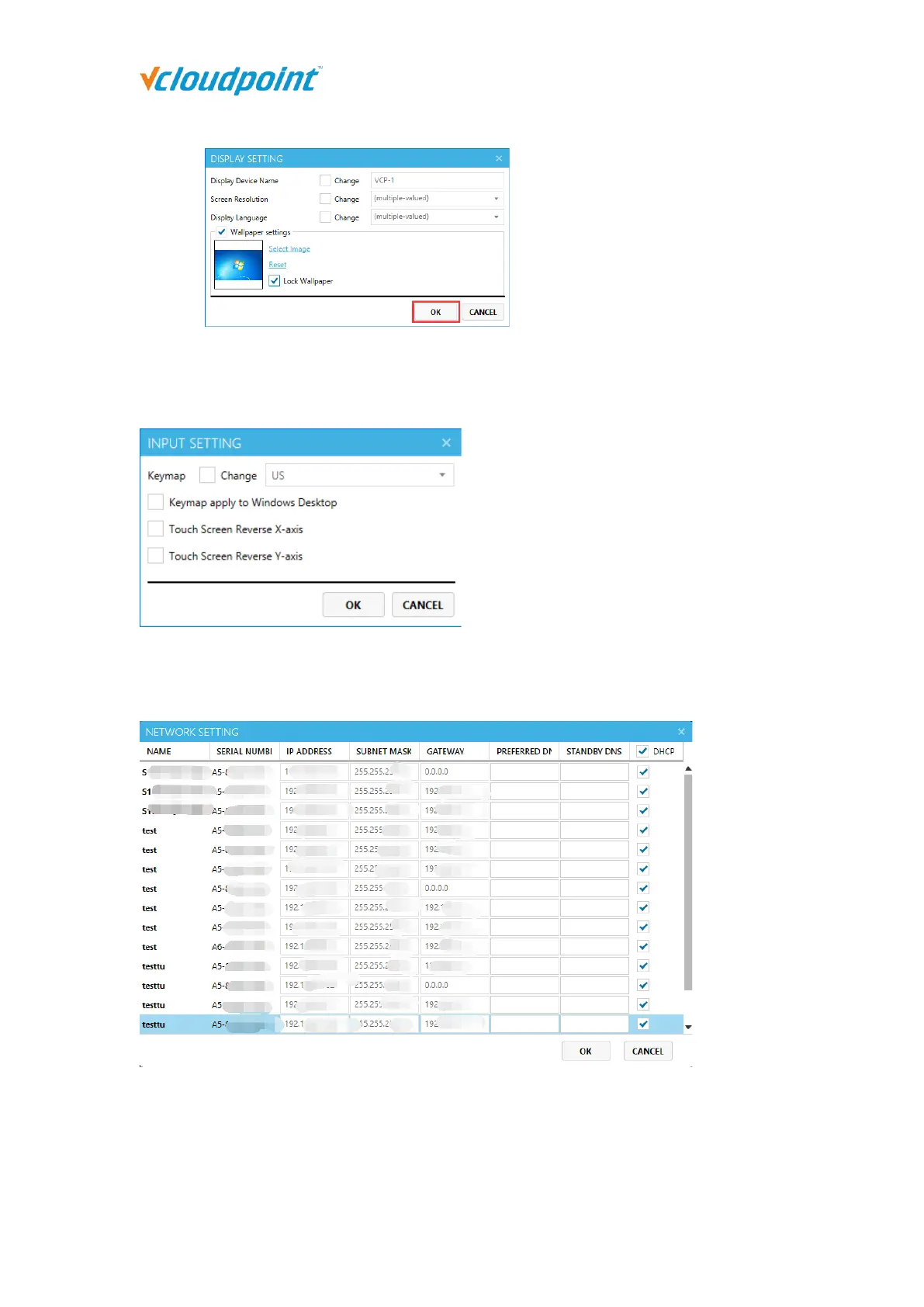
Input Setting: to change the input settings of the selected devices including keymap and
touch screen X & Y axis.
Network Setting: The settings in the "Network" page of the terminal login interface.
It can be set when single or multi terminals selected.
Boot Setting: to enable "Auto-on with Power" and "Remote boot" for the client device.
Check the “Remote boot” option to enable device boot from the vMatrix host. Check
the “Auto-on with Power” option to enable auto device boot with power supply.



 To Next Page