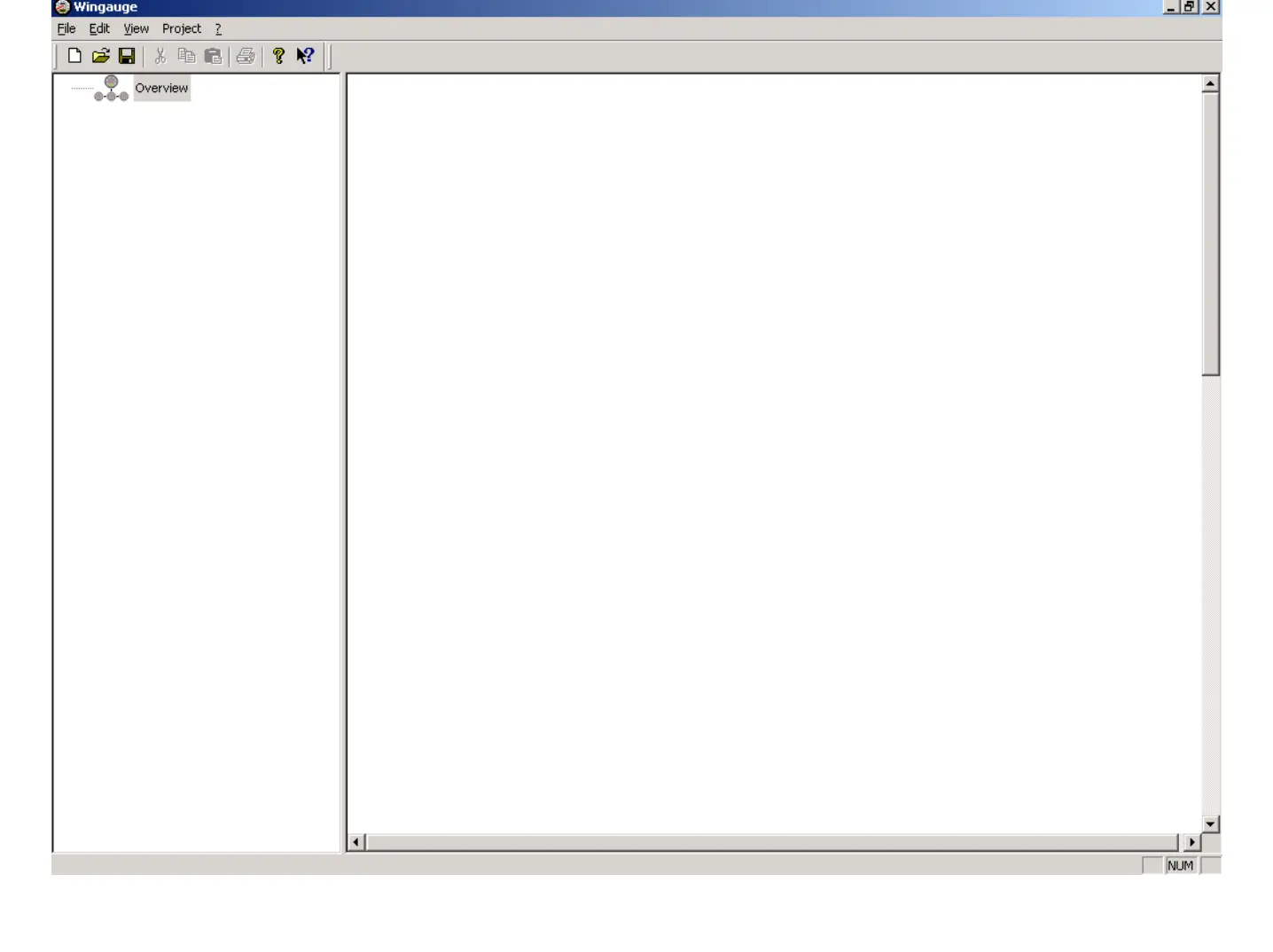
Basic Steps to build a new Configuration:
1. Definition of Project Properties
2. Adding a Master Instrument
3. Adding the required Slaves or Displays
4. Configuration of Master, Slave- and Display Instruments.
5. Save Configuration
6. Test / Diagnose the new Configuration.
June 2009
Training WinGauge Software
page 5


 To Next Page