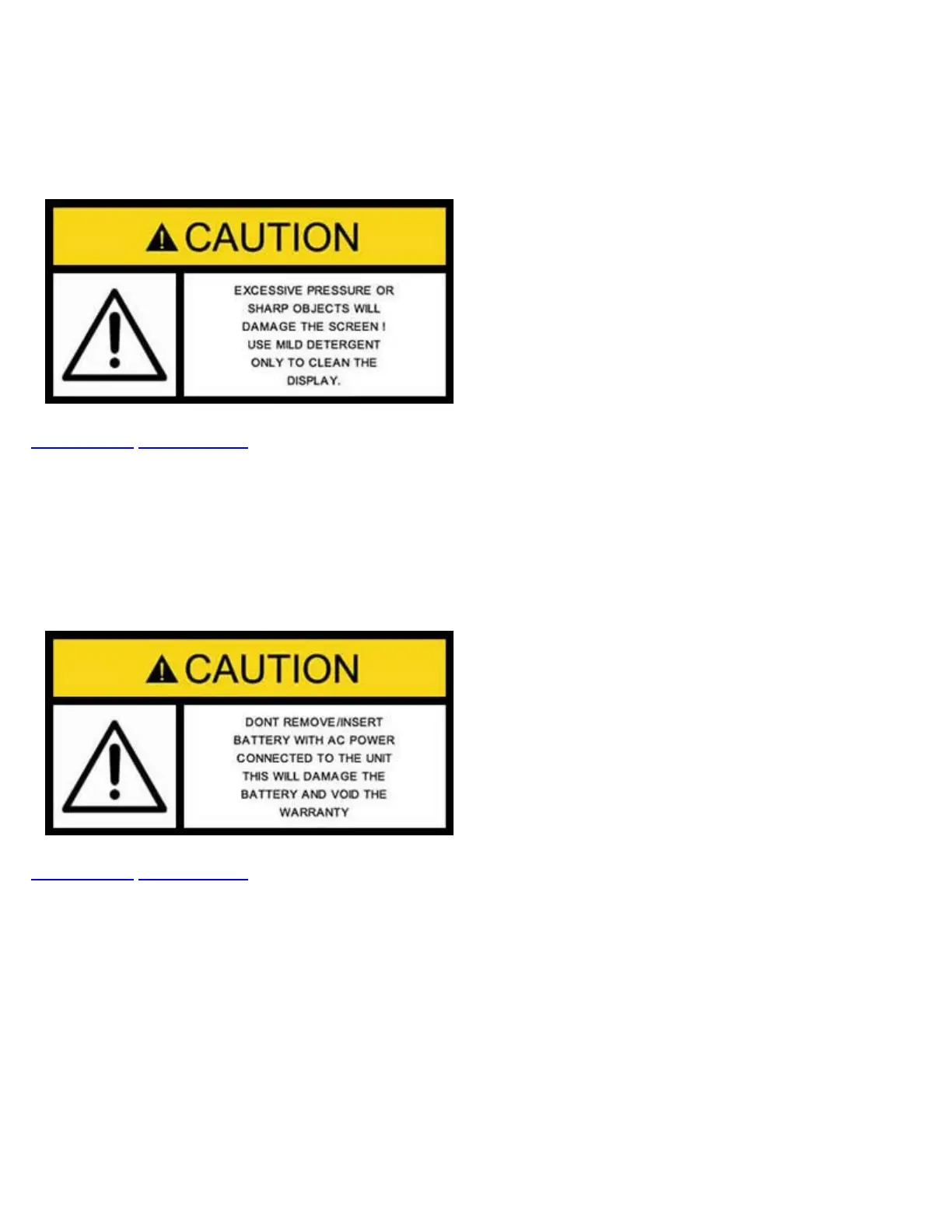
4.2 Touch-Screen Display
The LCD supports touch-screen operations. In order to use the unit in touch-screen mode, open the transparent door covering
the screen. Then take out the stylus available on the top door i.e. door protecting the connector panel. Keep the LCD cover
closed when using the unit in non touch-screen mode, and use the arrow, enter, and escape keys. The location of the cursor on
the screen is indicated by a focus state. The focus state varies depending on the function or section of the test set.
Go back to top Go back to ToC
4.3 Battery
The VePAL is equipped with an intelligent Li-ion rechargeable battery pack, which is located in the rear of the unit. The battery
will be partially charged upon delivery, so it is recommended to charge the battery fully before use. It is recommended to charge
the battery at room temperature to preserve its life and to obtain maximum charge. The battery can be removed during operation,
provided the unit is connected to the AC Main using the supplied AC adapter. Removing the battery when not connected to the
AC Main will cause the unit to shut down. Remove the rubber cover on the left side to connect the AC Main adapter to the unit.
Go back to top Go back to ToC
4.4 Connectors and Panels
The TX130M+ is equipped with the following physical test interfaces:
TX130M+_e-manual_D07-00-051P_RevD00



 To Next Page