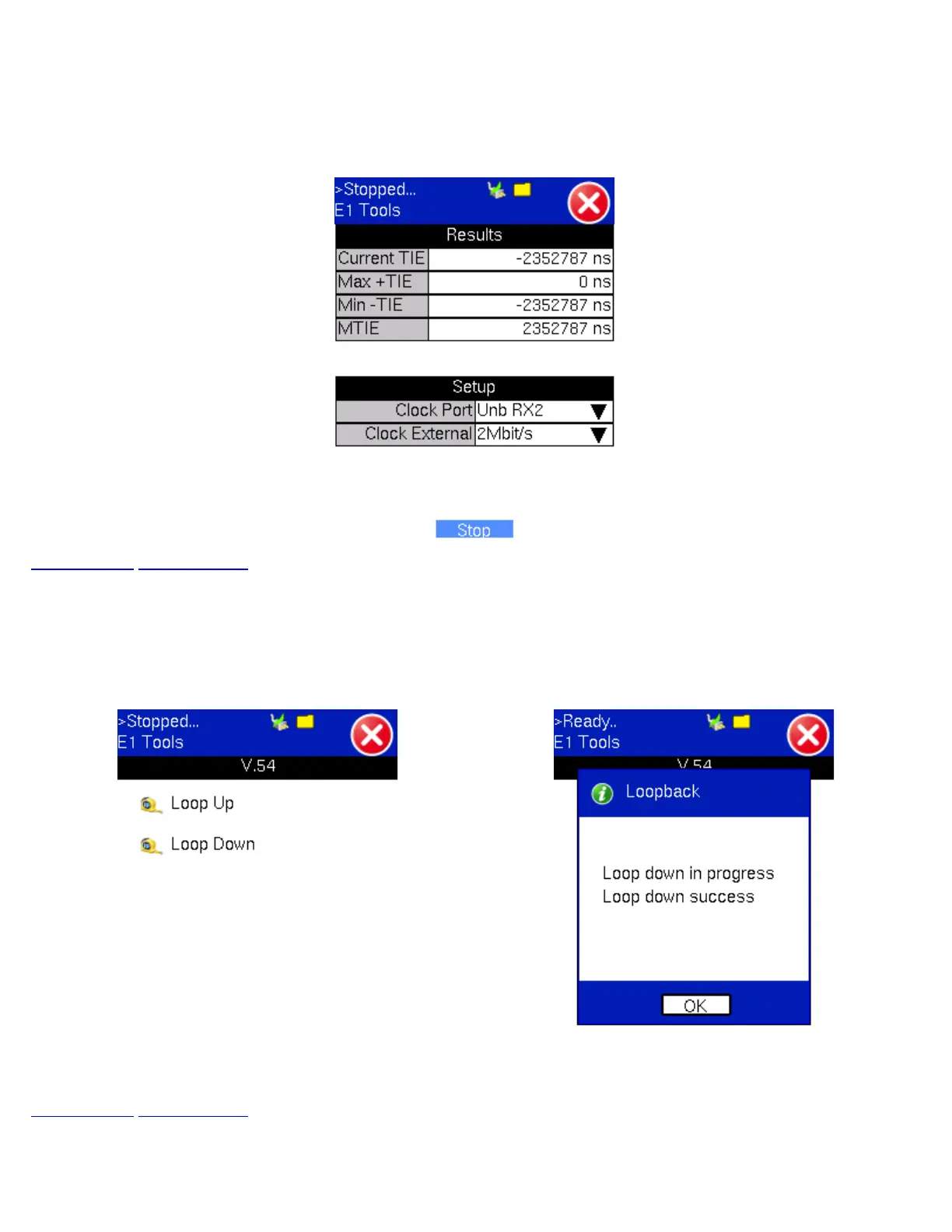
Press the Stop button to terminate the test. If Save TIE to USB is set to ON, then remove the USB memory stick from the test
set, bring it to a computer, and open it with the VeEX Wander Analysis PC software, for further MTIE, TDEV, and masks analysis
(refer to the MTIE and TDEV Analysis section).
Both, Wander Analysis and MTIE / TDEV Post Analysis are optional features.
PDH Wander Measurements Menu
Go back to top Go back to ToC
21.9 V.54
The V.54 menu features the Loop Up and Loop Down functions for Loopback testing. Tap on Loop Up or Loop Down to create
or cancel a loopback.
V.54 Main Menu Loopback Message
Go back to top Go back to ToC
TX130M+_e-manual_D07-00-051P_RevD00



 To Next Page