Go back to top Go back to ToC
22.2 DS1 Loop
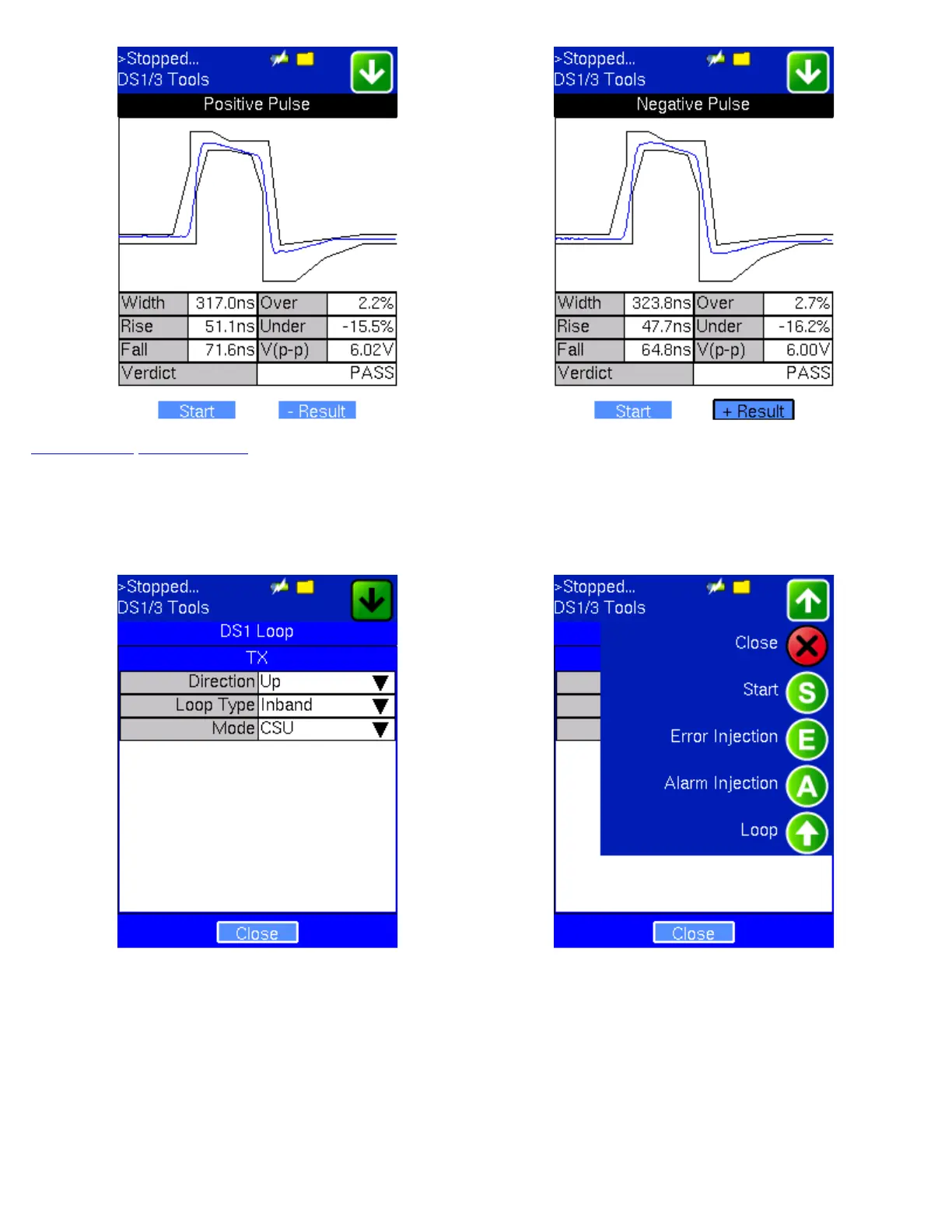
Tap the DS1 Loop icon to display the shortcut screen shown below.
DS1 Loop DS1 Loop Menu
Loopback Control: Tap the Loop Icon located at the top of the screen to select Up (Loop Up) or Down (Loop Down).
Loop Up:
1. Send a known test pattern and check if the pattern is received. If received, declare “pre-exist loop” and stop.
2. Send the loop up code for 5 seconds. If in-band, check if the loop up code is returned. If out of band (ESF FDL), send a
known pattern in the payload and check if the known pattern is returned. If not returned in 10 seconds, declare loop up
failed.
Loop Down:
1. Send a known test pattern and check if the pattern is received. If not received, declare “loop down” and stop.
2. Send the loop down code for 5 seconds. Same as loop up but check for the return code disappeared.
TX130M+_e-manual_D07-00-051P_RevD00



 To Next Page