Note
Do not attempt to enter VF Tasks if the Frame LED is not green. Green LEDs indicate that the
framing found on the received signal matches the framing selected in the Setup screen. It is
impossible to talk, listen, or perform other channelized functions in the absence of frame
synchronization, since channels can be identified only within a framed signal.
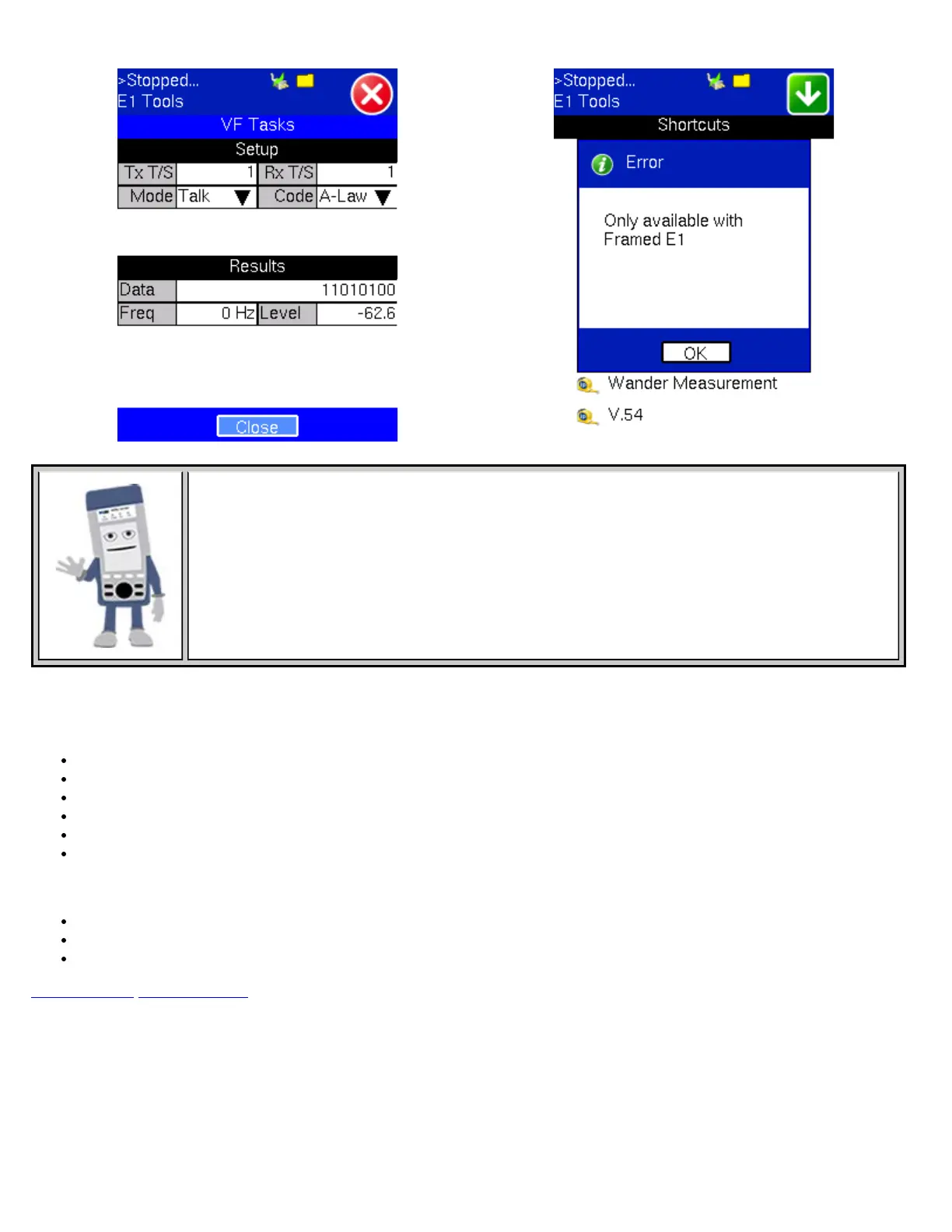
The VF Tasks screen lets you choose:
Setup:
Timeslot - Channel to test for both transmitting and receiving: Options: 1 - 31
Mode - Talk, send a Tone on the transmit signal. Transmit audio data from the external headset into selected timeslot.
Code: Options: u-Law or A-Law
Programmable ABCD: Manual edit ABCD (User) or IDLE, SEIZE
Transmitted Frequency: Options: 50 to 3950Hz
Transmitted Level: Options: -60 to 3dBm
Results:
Measure signal frequency and level in selected timeslot.
Listen to the voice channel in selected timeslot via external headset.
ABCD bits monitor and View data in selected T/S channel.
Go back to top Go back to ToC
21.7 Jitter Measurement
By tapping the Jitter Measurement, the E1/E3 Tools screen displays the jitter measurements showing measurements and analysis
of jitter in received signal.
E1 Jitter Measurement E3 Jitter Measurement
TX130M+_e-manual_D07-00-051P_RevD00



 To Next Page