13.0 1588v2/PTP
Setup
IP Configuration
Port
Mode Setup
Reference Clock
Test Results
PTP Messages Overview
Protocol Monitor
1588v2 Wander Measurement
Setup
Results
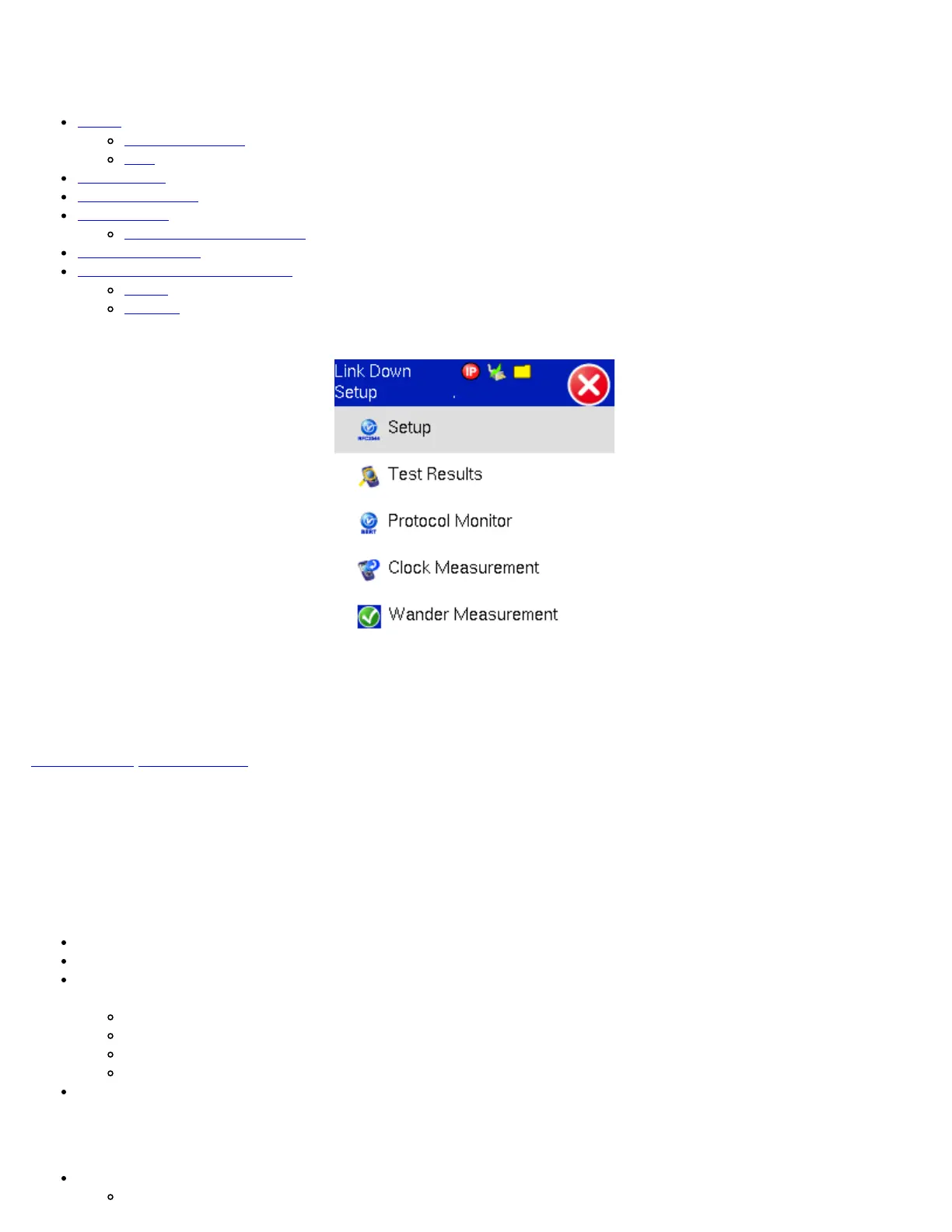
1588v2/PTP Main Menu
Go back to top Go back to ToC
13.1 Setup
Before proceeding with any tests, configure the Port and IP connection.
IP configuration setup
(Page 1)
IP Type: IPv4 or IPv6
IP Address: Static, DHCP (IPv4 only) or AUTO (IPv6 only)
Static: The user is required to enter a Local IP, Gateway address, and Subnet. All Static fields can be filled by tapping on
the section to access an alphanumeric keyboard
Local IP: IPv4/IPv6 address of the test set
Gateway: IPv4/IPv6 address of the network gateway
CIDR (IPv6 only): The user can enter a Classless Inter-domain Routing Network
Subnet (IPv4 only): The user can enter a subnet mask
DNS: Off, Manual, or Auto. If Manual is selected, a DNS IP is required in order to use the URL as a destination. Enter the
IP address of the Domain Name System (DNS) Server providing domain name translation to IP addresses.
(Page 2)
VLAN: Off/On. For each VLAN tag, enter the following:
ID: VLAN ID. Enter value 0 to 4095.
TX130M+_e-manual_D07-00-051P_RevD00



 To Next Page