12.0 SyncE
Setup
Port Selection
Mode
Clock Measurement
SyncE Wander Measurements
ESMC SSM
Overview
Setup
Results
Monitor
Capture
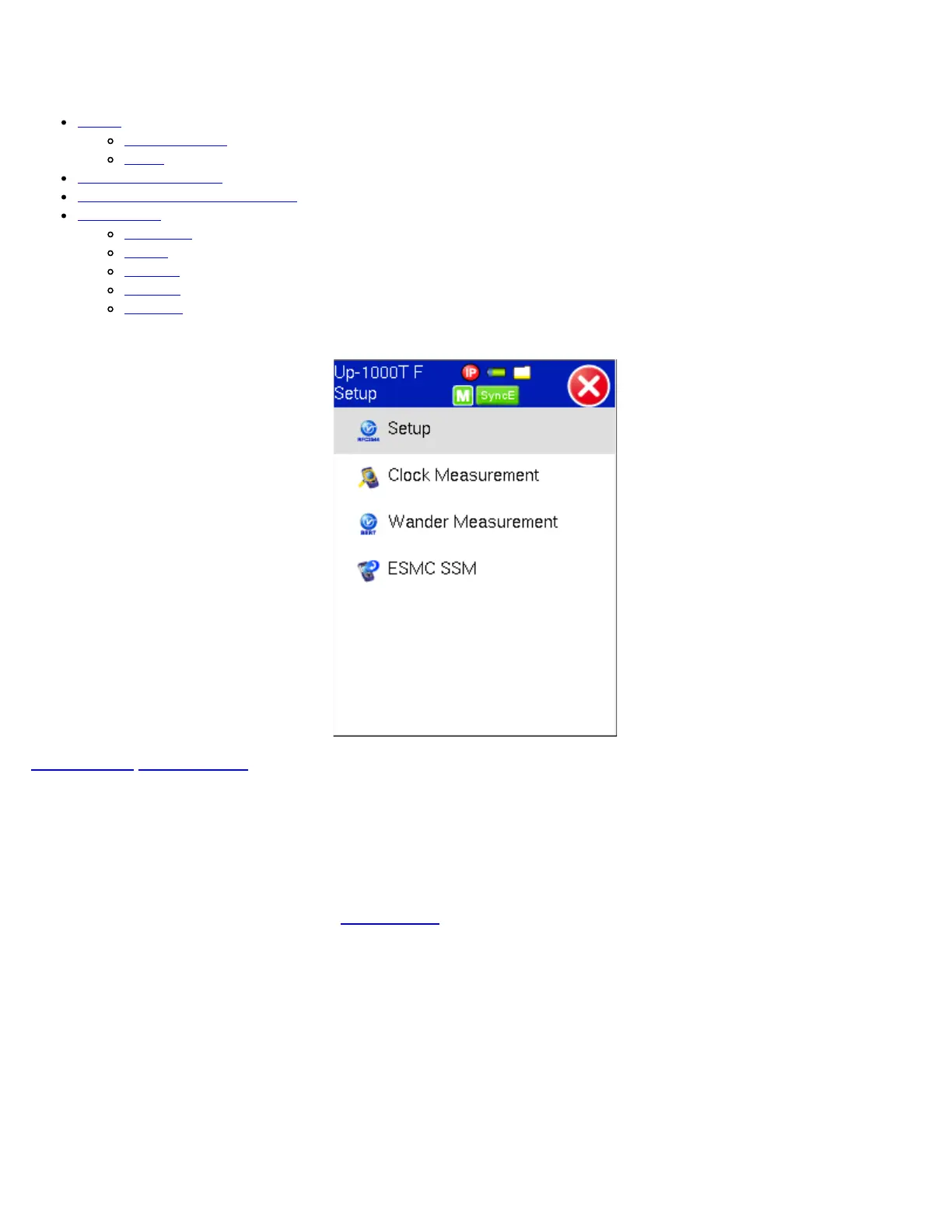
SyncE Main Menu
Go back to top Go back to ToC
12.1 SyncE Setup
12.1.1 Port (Test Port selection)
Prior to starting the SyncE operation, the selected test port must be connected to a network that supports SyncE timing
synchronization. Port selections include 10/100/1000T and 100/1000BaseX. After setting up the port, IP connection is not
required for SyncE tests. Please see section 6.1 Port Setup for port configuration instructions.
Port Setup
TX130M+_e-manual_D07-00-051P_RevD00



 To Next Page