Go back to top Go back to ToC
24.2 ISDN PRI Monitor
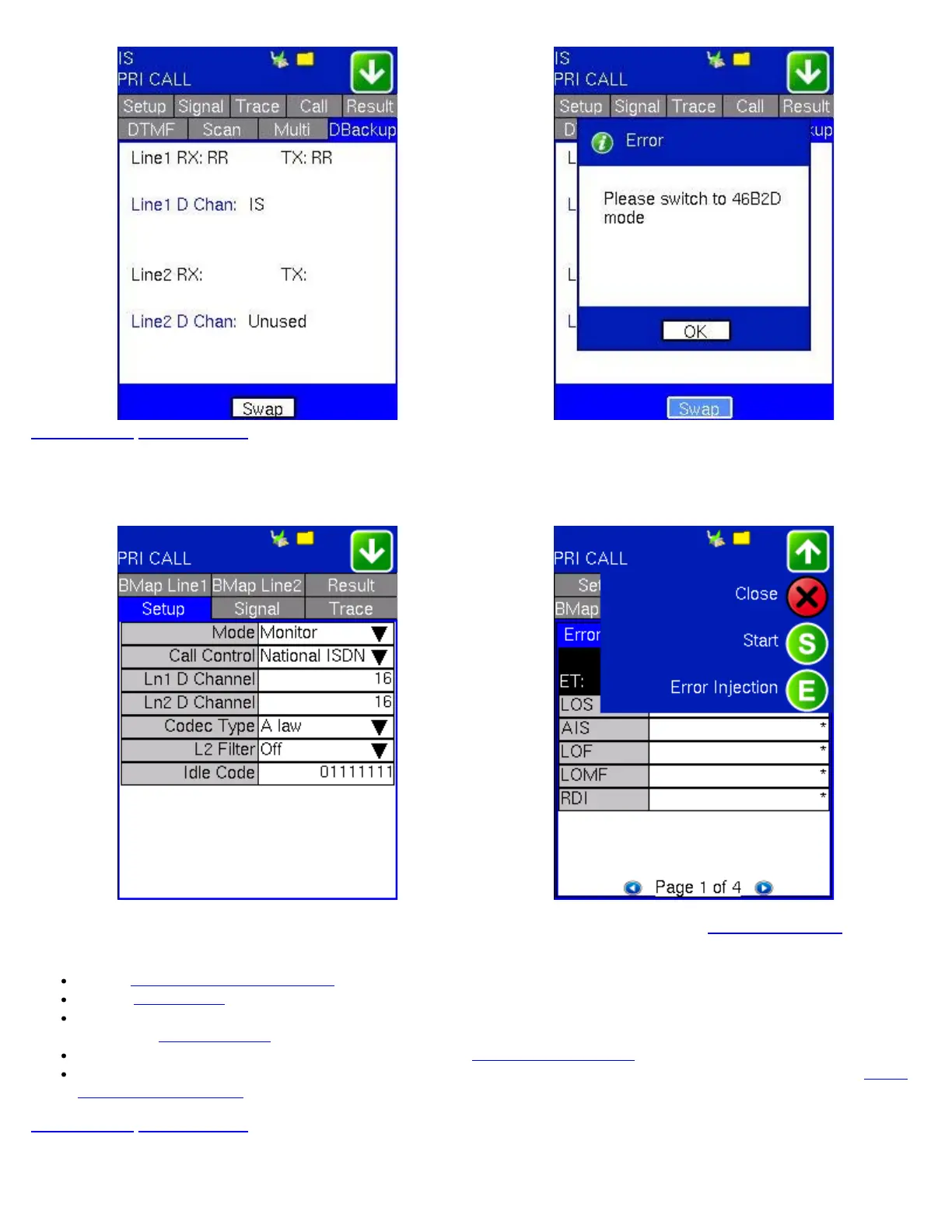
ISDN PRI Monitor PRI Monitor Action Menu
The ISDN PRI Monitor's setup and results resemble those found in ISDN PRI Call. Please refer to 24.1 ISDN PRI Call for more
information on these respective sections:
Setup: 24.1.1 Setup (PRI Call Setup)
Signal: 24.1.2 Signal
BMap Line: Detects active traffic on the timeslots. The user can listen to the conversation by pressing on active call cells.
Please see
24.1.7 Multi Call for more information.
Trace: Please see Trace: ISDN Protocol Decode under 24.1.3 Call Voice Setup.
Result: Press the green arrow to access the action menu and press Start to initiate BERT Testing. Please refer to 24.1.5
Data Call BERT Results for more details.
Go back to top Go back to ToC
24.3 WAN IP Test
TX130M+_e-manual_D07-00-051P_RevD00


 To Next Page